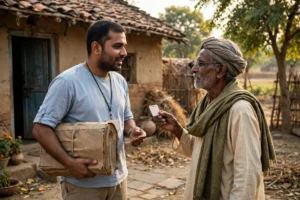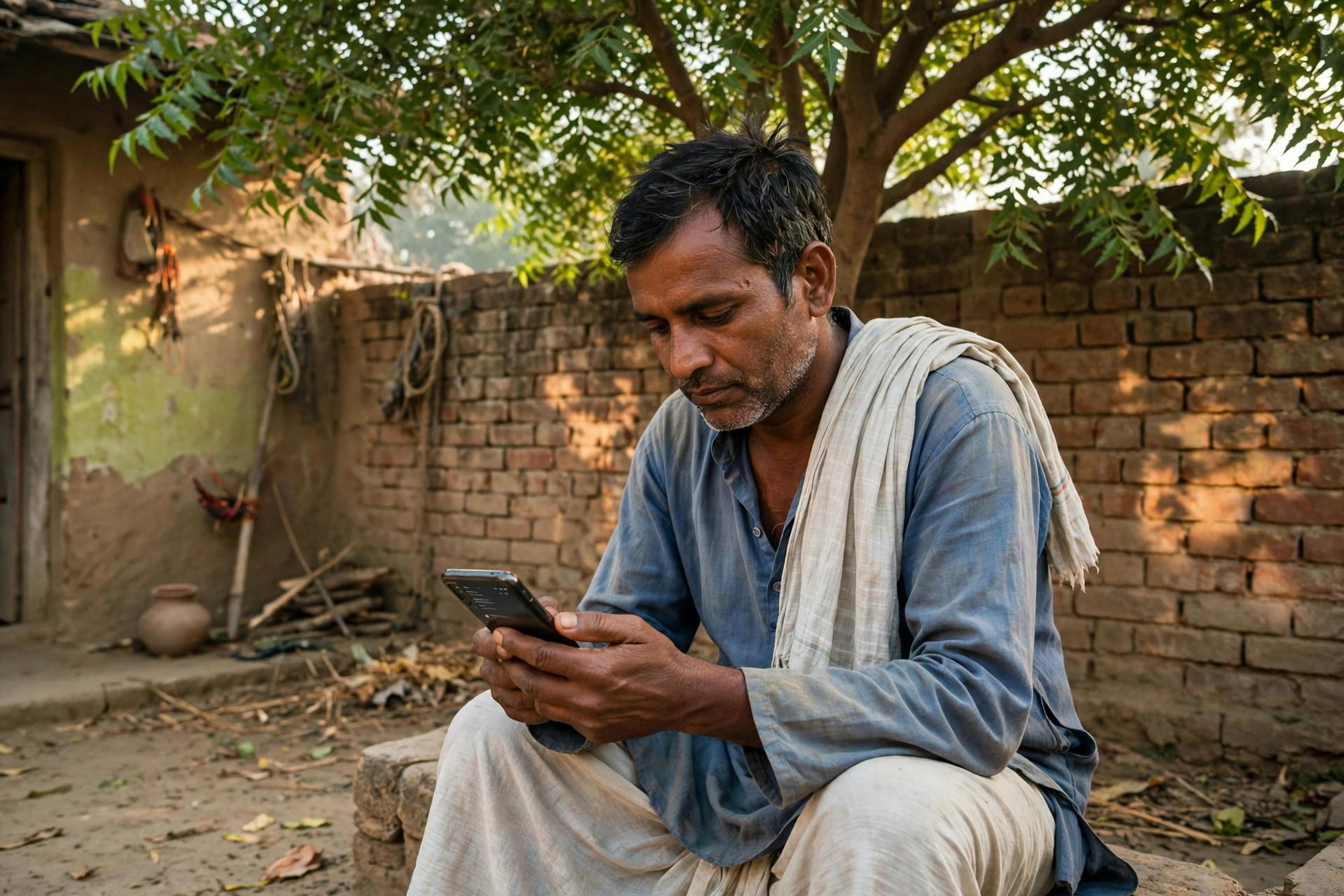
Dirty drain water flowing on the road, the ration shop refusing grain, a pension stuck for months, or endless rounds of the tehsil office for a small piece of work – these are everyday troubles for lakhs of people living in Uttar Pradesh. Earlier, such complaints meant long queues at government offices. Today there is a way to file a complaint from home, on a mobile phone, and track every update on it online.
In this article, we explain the Jansunwai UP portal of Uttar Pradesh in full detail – what the portal is, which complaints can be filed on it, the correct way to file a complaint online, how to check the status of your complaint, and what to do if you do not get a reply in time. We also explain in which cases this portal cannot help, so that your complaint does not go to the wrong place. At the end of the article you will find answers to frequently asked questions and official links.
What is Jansunwai UP?
Jansunwai UP is the integrated grievance redressal system of the Government of Uttar Pradesh, also known as IGRS (Integrated Grievance Redressal System). Its full name is Jansunwai – Samadhan. The portal gives citizens of the state one place to register a complaint, check its status, send a reminder, and give feedback after the complaint is resolved.
The biggest strength of this portal is that a complaint filed here reaches the concerned department and officer directly. After you file a complaint, you get a complaint number, and with that number you can check the status of your complaint at any time. Filing a complaint on the portal is free of cost, and the portal is available round the clock. To file a complaint, you have to verify your mobile number or email ID through an OTP.
Apart from the online portal, a complaint can also be filed by calling the Chief Minister Helpline number 1076. This helpline is toll-free and works day and night. A complaint filed on the phone goes into the same integrated system as an online complaint, so its status can be tracked in the same way.
Jansunwai UP 2026: Key Facts at a Glance
| Detail | Information |
|---|---|
| Portal name | Jansunwai UP (Jansunwai – Samadhan), IGRS UP |
| Launched by | Government of Uttar Pradesh |
| Official website | jansunwai.up.nic.in |
| Chief Minister Helpline | 1076 (toll-free, 24×7) |
| Fee to file a complaint | Free |
| Ways to file a complaint | Online portal, 1076 helpline, mobile app |
| Needed to file a complaint | Mobile number or email ID, OTP verification |
| Needed to check status | Complaint number, registered mobile number or email ID |
| Related portals | Anti Corruption Portal, Anti Bhu-Mafia Portal |
| Who can use it | All citizens of Uttar Pradesh |
Which Complaints Can Be Filed on Jansunwai UP?
Complaints related to government departments and public services can be filed on this portal. People usually complain about these subjects:
- Public problems: water supply, electricity, roads, drains and sanitation, and law and order issues.
- Government schemes: complaints about not receiving pension, ration card, scholarship, or the benefit of any scheme, and questions about scheme eligibility and process.
- Public demands: requests for a civic facility in a village or locality, such as a road, hand pump, or community building.
- Revenue and land matters: complaints related to khatauni, mutation (dakhil-kharij), or the lekhpal.
- Health and education: complaints about government hospitals, primary health centres, schools, or anganwadis.
- Corruption: for complaints about an officer or department demanding a bribe, a separate Anti Corruption Portal is available on the same website.
- Land mafia: for complaints about illegal possession of government or private land by the land mafia, the Anti Bhu-Mafia Portal is also available on the same website.
Which Matters Are NOT Accepted on Jansunwai?
Before filing a complaint, it is very important to know that some subjects are not treated as public grievances under this system. The portal itself lists them:
- Matters related to the Right to Information (RTI) Act – these have a separate process.
- Cases pending before a court (sub-judice matters).
- Mere suggestions – a suggestion is not treated as a grievance.
- Demands for financial assistance or a job.
- Grievances of government employees about their service matters, including transfers, unless they have used all available remedies in their department.
If your complaint falls in any of these categories, filing it on this portal will lead to no action. For such matters, it is better to contact the concerned department or officer directly.
How to File a Complaint on Jansunwai UP Online
Filing a complaint online is simple. Follow the steps given below:
Step 1: Open the official portal jansunwai.up.nic.in on your mobile phone or computer.
Step 2: On the homepage, click on “Register Grievance”. A disclaimer page will open, which explains the subjects that are not treated as grievances.
Step 3: Read the disclaimer carefully, agree to it, and click on the “Submit” button.
Step 4: Enter your mobile number or email ID, fill in the captcha, and click on “Send OTP”. An OTP will come to your mobile phone or email.
Step 5: Enter the OTP to complete the verification. The complaint form will open after this.
Step 6: Fill in your details correctly in the form – name, father or husband name, complete address (district, tehsil, block, gram panchayat or ward).
Step 7: Write your complaint in clear and complete detail. What is the problem, since when, and which department or officer is it related to – write all of this. If you have any supporting document related to the complaint, you can upload it too.
Step 8: After checking all the details, click on “Save Complaint”.
Step 9: As soon as the complaint is registered, your Complaint or Reference Number will appear on the screen. Note it down and keep it safe – this number is the identity of your complaint, and you will need it to check the status. You can also click on “Print Complaint” to take a printout of it.
How to File a Complaint on the 1076 Helpline by Phone
If you do not have internet access, or if you find it difficult to fill the online form, filing a complaint by phone is the easiest way.
Step 1: Dial the toll-free number 1076 from your mobile phone. This helpline works day and night, all seven days of the week.
Step 2: Tell your complaint to the call centre executive. The executive will register your complaint in the same integrated system in which online complaints are registered.
Step 3: After the complaint is registered, a complaint number will be given to you. Note it down, so that you can check the status of your complaint later.
How to Check Jansunwai Complaint Status Online
After filing a complaint, it is equally important to know its status. The process to check the status on the portal is as follows:
Step 1: Open the official portal jansunwai.up.nic.in and click on “Track Complaint Status” on the homepage.
Step 2: Enter your complaint number.
Step 3: Enter your registered mobile number and email ID.
Step 4: Fill in the verification code (captcha) shown on the screen.
Step 5: Click on “Submit”. You will then see the current status of your complaint – which department or officer it has been forwarded to, what action has been taken on it, and whether it has been resolved or not.
One important point to remember: the portal tracker shows details of resolved complaints only for the preceding three months. If your complaint was resolved more than three months ago, its details will not appear in this tracker. In that case, contact the Jansunwai office of your district directly.
What to Do If There Is No Reply in Time? Reminder and Feedback
Sometimes no action is taken for a long time after a complaint is filed. In such cases, only checking the status again and again is not enough – the portal provides two special facilities for this.
Send Reminder
If your complaint has not been resolved within the applicable timeline, you can use the “Send Reminder” option on the portal. For this, go to the “Send Reminders” tab on the homepage, enter your complaint number, and send the reminder. When a reminder is sent, special supervision by higher authorities begins on your complaint, including monitoring at the Chief Minister Office level.
Give Feedback
After a complaint is resolved, you can give your opinion on the quality of the resolution through the “Give Feedback” option on the portal. For this, enter your grievance ID and registered mobile number or email ID, verify through OTP, and submit your feedback. If you give a poor rating to the resolution, senior officers can reconsider it, and a resolved complaint can even be reopened. The facility to give feedback after resolution is available for complaints resolved within the preceding three months.
What Are the Anti Corruption and Anti Bhu-Mafia Portals?
Two more special portals are available on the Jansunwai website. The first is the Anti Corruption Portal (jansunwai.up.nic.in/AntiCorruption), where a complaint can be filed against any department or officer for corruption. The government says the identity of the complainant is kept secret. On this portal too, the same process applies for registering a complaint, checking status, and giving feedback as on the main portal. Corruption-related complaints can also be filed on the 1076 helpline.
The second is the Anti Bhu-Mafia Portal (jansunwai.up.nic.in/ABMP), where complaints about illegal possession of government and private land by the land mafia can be filed. This portal also provides the facility to register a complaint, check its status, send a reminder, and give feedback.
Points to Remember Before Filing a Complaint
- Write the complaint clearly: what the problem is, where it is, since when, and which department it relates to – write all of this in clear words. An incomplete or confusing complaint can delay action.
- Fill in correct details: fill in your name, address, district, tehsil, and block correctly, so that the complaint reaches the right officer.
- Keep documents ready: if you have any paper, receipt, photo, or order related to the complaint, upload it. It makes your complaint stronger.
- Keep the complaint number safe: the complaint number is the identity of your complaint. Write it down or keep a screenshot of it.
- Check the status regularly: after filing a complaint, keep checking its status from time to time. If no action is taken within the expected time, send a reminder.
- Do not give wrong information: filing a false or wrong complaint is not right. It can not only get your complaint rejected, but action can also be taken for giving wrong information.
- File your complaint in the right place: always file a complaint through the portal’s online form or by calling 1076 — these are the two official ways.
- Beware of fraud: filing a complaint on Jansunwai is completely free. If anyone asks for money in the name of filing a complaint, do not pay, and you can also report that person on 1076.
Frequently Asked Questions (FAQ)
What is Jansunwai UP?
Jansunwai UP is the integrated grievance redressal system (IGRS) of the Government of Uttar Pradesh. On it, citizens can file complaints related to government departments, check their status, send reminders, and give feedback on the resolution. Its official portal is jansunwai.up.nic.in.
How do I file a complaint on Jansunwai UP?
Visit jansunwai.up.nic.in, click on “Register Grievance”, agree to the disclaimer, verify with OTP using your mobile number or email ID, fill in the form, and click on “Save Complaint”. Note down the complaint number. To file a complaint by phone, dial the toll-free number 1076.
How do I check my Jansunwai complaint status?
Open “Track Complaint Status” on jansunwai.up.nic.in, enter your complaint number, registered mobile number and email ID, fill in the captcha, and click on “Submit”. You will see the current status of your complaint and the action taken on it.
What is the UP CM Helpline number?
The Uttar Pradesh Chief Minister Helpline number is 1076. It is toll-free and works round the clock. Complaints can also be filed in the Jansunwai system by calling this number.
Is there any fee to file a complaint on Jansunwai UP?
No, filing a complaint on Jansunwai UP is completely free. There is no fee on the online portal or on the 1076 helpline. If anyone asks for money to file a complaint, do not pay.
What should I do if the problem remains even after my complaint is resolved?
After resolution, give your feedback through “Give Feedback” on the portal. If you give a poor rating to the resolution, senior officers can reconsider it. Also, if no action is taken within the expected time, use “Send Reminder”, which starts higher-level monitoring.
Which complaints are not heard on Jansunwai?
RTI matters, cases pending in court, mere suggestions, demands for financial assistance or a job, and service matters of government employees are not treated as grievances on this portal.
Official Links
| Service | Link / Information |
|---|---|
| Jansunwai UP Portal | jansunwai.up.nic.in |
| File a complaint online | jansunwai.up.nic.in/onlineComplaint |
| Check complaint status | jansunwai.up.nic.in/ComplaintTracker |
| Send a reminder | jansunwai.up.nic.in/SendReminderNew |
| Give feedback | jansunwai.up.nic.in/onlineFeedbackEntry |
| Anti Corruption Portal | jansunwai.up.nic.in/AntiCorruption |
| Anti Bhu-Mafia Portal | jansunwai.up.nic.in/ABMP |
| Chief Minister Helpline | 1076 (toll-free, 24×7) |
For more information about Uttar Pradesh government services and schemes, you can also read our guides: UPSSSC Moharir Mains Exam 2026, PM Ujjwala Yojana 2026 and Atal Pension Yojana 2026.
This article has been prepared by a private information portal, not a government website. The information given here was checked on 16 November 2026 against the official portal jansunwai.up.nic.in and public sources related to the Chief Minister Helpline. The portal process or rules may change, so please check the latest instructions on the official website before filing a complaint.