In Rajasthan, checking land records no longer needs rounds of the patwari. On the Apna Khata portal (apnakhata.rajasthan.gov.in), Jamabandi Nakal, Khasra-Khatauni, Bhu Naksha — everything is available online. Mutation applications are also filed online here.
In this detailed guide, we explain in simple language — what the Apna Khata portal is, what Jamabandi Nakal means, how to view and download your land’s Nakal online, how to apply for mutation, how to view the Bhu Naksha, where to get a certified Nakal, and how to avoid fake websites. At the end, 10 essential questions are answered.
Rajasthan Apna Khata: Key Facts at a Glance
| Point | Details |
|---|---|
| Portal | apnakhata.rajasthan.gov.in (Revenue Department, Rajasthan) |
| Main record | Jamabandi Nakal (Khasra-Khatauni) |
| Search methods | Khata number / Khasra number / name / USN-GSN |
| Services | Nakal download, mutation application, Bhu Naksha, registry deed search |
| Fee | Basic information free; nominal fee for certified Nakal |
What Is the Apna Khata Portal?
Apna Khata is the official portal of the Rajasthan Revenue Department, developed after the Rajasthan Urban Land (Certification of Titles) Act, 2016. Its objective — make land records digital and transparent, so every citizen can access their land information from home.
What Is Jamabandi Nakal?
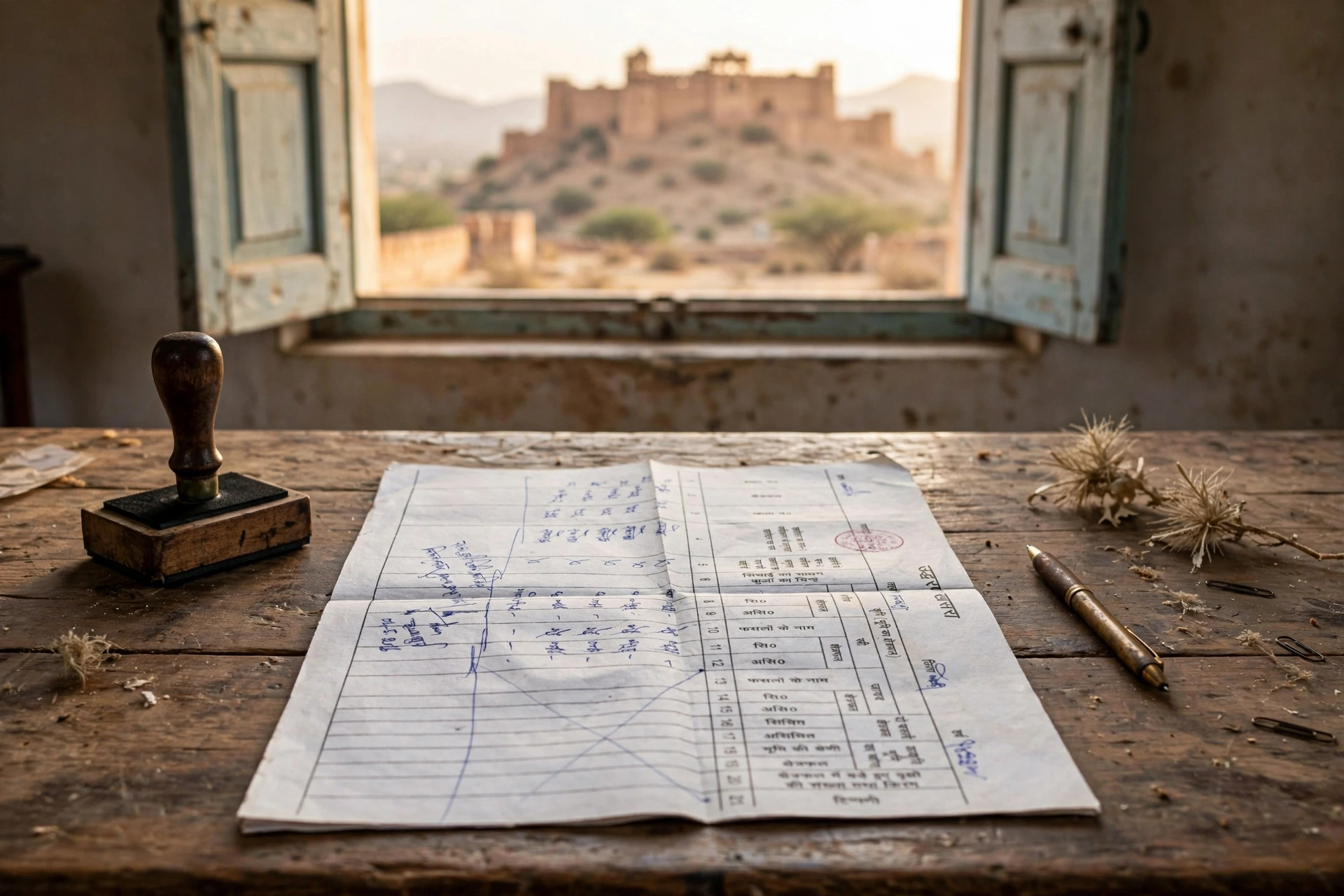
Jamabandi is the village land record, i.e. the Record of Rights (ROR) — it contains details of farming, rent, revenue, and other cesses payable on the land. Nakal means a copy of this record. Khasra is the survey number of a land parcel, and Khatauni is the record of the owner’s account.
How to View and Download Jamabandi Nakal Online
Step 1: Open apnakhata.rajasthan.gov.in and click “Jamabandi Nakal” on the homepage.
Step 2: Select your district from the map or list.
Step 3: Select your tehsil.
Step 4: Select your village.
Step 5: Choose your search method — Khata number, Khasra number, name, or USN/GSN — and fill the details.
Step 6: Press “Nakal Prapt Karein” at the bottom — the Jamabandi Nakal appears on screen. Download it as PDF or take a printout.
Note: copies shown on the portal are for general information — updates may appear with a slight delay. For court or government work you need a certified Nakal, available from an authorised E-Mitra kiosk. An e-signed Nakal can also be downloaded for banks.
How to Apply for Mutation
After buying land, inheritance, or a gift, mutation — recording the name in the records — is essential:
- On the portal, click “Apply for Mutation”.
- Fill applicant name, father’s name, village, district, and contact details.
- Review everything and press Submit.
- The application goes to the concerned revenue authority — if correct, the mutation is approved; if something is off, it is rejected (you are notified).
How to Track Mutation Status
In the portal’s “Mutation Status” section, the status appears automatically when logged in. Without login, the status can still be checked by entering the application number, Khasra number, or Khata number.
How to View Bhu Naksha (Land Map)
In the portal’s Map Services / Bhu Naksha section, enter the village name, survey number, or owner name to view the land’s digital map — with boundaries and ownership details. Always cross-check the map before buying land.
How to Search Registry Deeds
In the portal’s Registry Deed / Deed Search section, enter the registry deed number, property location, or owner name to view and download a digitised registry document — for confirming ownership and transaction history.
What If the Record Has an Error?
If the name, khasra, or area is wrong, apply for correction through the tehsil revenue office or an E-Mitra kiosk.
Beware of Fake Websites
Many fake websites with names like Apna Khata charge money. Only apnakhata.rajasthan.gov.in is the official portal — viewing information is free.
Frequently Asked Questions (FAQs)
Q1: How do I view Jamabandi Nakal on Apna Khata?
A: apnakhata.rajasthan.gov.in → Jamabandi Nakal → district, tehsil, village → search by khata/khasra/name → get Nakal.
Q2: What is Jamabandi Nakal?
A: A copy of the village land record (Record of Rights) — details of farming, rent, and revenue.
Q3: Will the online Nakal work in court?
A: No — get a certified Nakal from an E-Mitra kiosk for court/government work.
Q4: How do I apply for mutation?
A: Fill the online form via “Apply for Mutation” on the portal.
Q5: How do I check mutation status?
A: In “Mutation Status”, enter the application/khasra/khata number.
Q6: Where do I get the Bhu Naksha?
A: In the portal’s Map Services / Bhu Naksha section.
Q7: How do I search registry deeds?
A: In Deed Search, enter the deed number, location, or owner name.
Q8: What is the fee to view Nakal?
A: Basic information is free; certified Nakal carries a nominal fee.
Q9: What if the record has an error?
A: Apply for correction at the tehsil office or an E-Mitra kiosk.
Q10: Is this site governmental?
A: apnakhata.rajasthan.gov.in is the official site of the Rajasthan Revenue Department.
Important Links
- Apna Khata: apnakhata.rajasthan.gov.in
Disclaimer: GramSuvidha is a private information portal (not a government website). The information above is based on official sources — before any legal work related to records, please confirm with the tehsil/revenue department.