
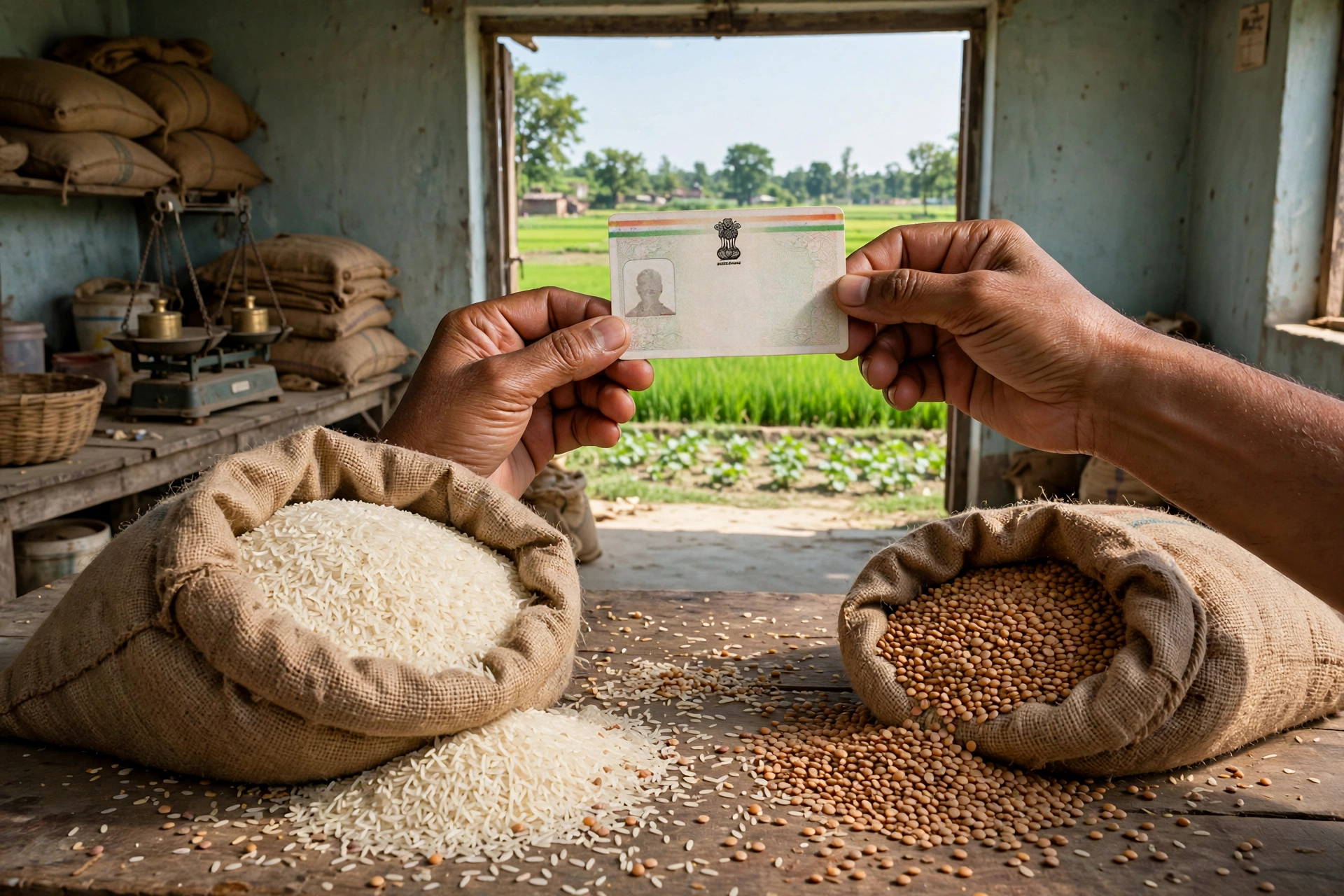
In Bihar, lakhs of families receive cheap or free ration every month — wheat, rice, and pulses. But many people do not even know whether their name is on the list, and several families have had their ration stopped because e-KYC was not done. If you are from Bihar, this article is essential for you.
In this detailed guide, we explain in simple language — how to check your name in the Bihar ration card list online (the complete RCMS report method), how to view card details and download the PDF, how to apply for a new ration card, why e-KYC is necessary, where to complain if your name is missing, and how to avoid fraud. At the end, 10 essential questions are answered.
Bihar Ration Card: Key Facts at a Glance
| Point | Details |
|---|---|
| Department | Food and Consumer Protection Department, Bihar |
| Main portal | epds.bihar.gov.in |
| List check | RCMS Report — district → block → panchayat → village → FPS |
| Card details | RC Details section |
| New application | Apply for Online RC (Meri Pehchaan login) |
| Mobile app | Mera Ration 2.0 |
| Helpline | 1967 |
How to Check Your Name in the Bihar Ration Card List (RCMS Method)
Step 1: Open epds.bihar.gov.in (or reach the RCMS link via fcp.bih.nic.in).
Step 2: On the homepage, click the “RCMS Report” section on the left side.
Step 3: Select your district and press Show.
Step 4: Choose Rural or Urban.
Step 5: Keep clicking the number links — block → panchayat → village → FPS (Fair Price Shop).
Step 6: The name-wise ration card list for the FPS opens — find your name.
Step 7: Click the ration card number against your name — the full details (members, category, shop) appear on screen.
How to View Card Details and Download the PDF
In the portal’s “RC Details” section, select Rural/Urban, enter district and ration card number to see full details. The card copy can also be viewed/downloaded from here. The digital card is also available on the Mera Ration app and DigiLocker.
How to Apply for a New Ration Card (Bihar)
Online method:
- On epds.bihar.gov.in, click “Apply for Online RC”.
- Log in via Meri Pehchaan (create a new account first).
- Select Rural or Urban, fill the application form, and upload documents.
- Note the acknowledgement number after submitting — track status with it.
Offline method: visit the nearest Block Supply Office (Anchal Karyalay) or Ration Card Suvidha Kendra with documents, fill the form, and take the acknowledgement receipt.
Documents Required for a New Application
- Aadhaar cards of all family members
- Address proof (electricity bill, rent agreement)
- Income certificate
- Bank passbook copy
- Passport-size photo of the head of household
- Caste certificate (where applicable)
How to Add a New Family Member
To add a newborn, a newly married spouse, or another eligible member, apply at the Block Supply Office with the existing ration card, the new member’s Aadhaar, and supporting documents (birth certificate/marriage certificate). The update is usually processed in the EPDS database within 15–30 working days — then re-download the card.
e-KYC: Necessary So Your Ration Does Not Stop
In Bihar too, Aadhaar e-KYC of every member is compulsory. Get biometric verification done at the nearest Fair Price Shop on the e-PoS machine — it is free. Without e-KYC, your ration can stop.
What If Your Name Is Missing or Ration Has Stopped?
First step: get your family’s e-KYC status checked by your dealer.
Second step: file a complaint on epds.bihar.gov.in or contact the Block Supply Office.
Third step: complain on the 1967 helpline.
Beware of Fraud
If anyone demands money to make your ration card or add your name to the list, it is a fraud. Trust only epds.bihar.gov.in and the Food Department.
Frequently Asked Questions (FAQs)
Q1: How do I check my name in the Bihar ration card list?
A: epds.bihar.gov.in → RCMS Report → district → rural/urban → block → panchayat → village → FPS → find your name.
Q2: How do I view details by ration card number?
A: Enter the card number in the portal’s “RC Details” section.
Q3: How do I apply for a new ration card?
A: “Apply for Online RC” on epds.bihar.gov.in, or via the Block Supply Office.
Q4: Which documents are needed?
A: Aadhaar of all members, address proof, income certificate, bank passbook, photo.
Q5: How do I add a new member?
A: Apply at the block office with Aadhaar + birth/marriage certificate — updated in 15–30 days.
Q6: Where do I get e-KYC done?
A: At the nearest Fair Price Shop on the e-PoS machine — free.
Q7: How do I track my application status?
A: With the acknowledgement number on epds.bihar.gov.in.
Q8: How do I download the card PDF?
A: Via the portal, the Mera Ration app, or DigiLocker.
Q9: What if my name is not found?
A: First get e-KYC checked, then complain on the portal or call 1967.
Q10: What is the helpline number?
A: 1967.
Important Links
- EPDS Bihar: epds.bihar.gov.in
- Food Department: fcp.bih.nic.in
- Helpline: 1967
Disclaimer: GramSuvidha is a private information portal (not a government website). The information above is based on official sources — rules can change, so always verify on epds.bihar.gov.in before acting.
1 thought on “Bihar Ration Card List 2026: Check Name and New Application”
Comments are closed.