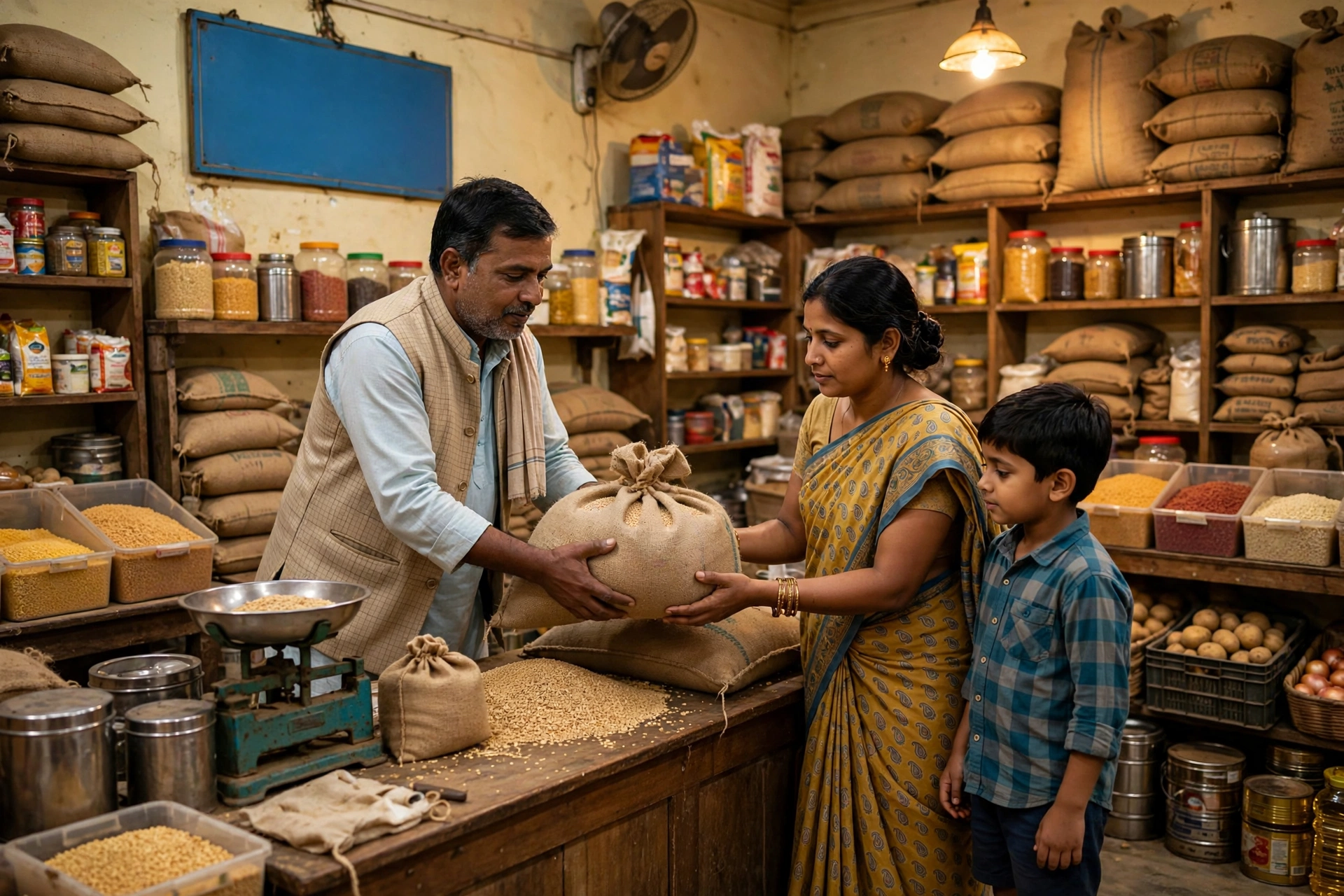
A ration card brings cheap grain, and it also works as identity proof for many government schemes. Here is how to check your name in the list and apply for a new card.
Note: Names can only be checked on official portals. Our site has no “status check” tool — the official method is given below.
How to Check Your Name in the List (official method)
- Open nfsa.gov.in — select your state under the “Ration Cards” section.
- Go to your state’s PDS portal. Key portals: Uttar Pradesh: fcs.up.gov.in; Uttar Pradesh (NFSA): nfsa.up.gov.in; Rajasthan: food.rajasthan.gov.in
- Select district → block/tehsil → gram panchayat → fair price shop dealer.
- Search for your name in the ration card holders’ list.
How to Apply for a New Ration Card
- On your state’s food department portal, choose “New ration card application”.
- Fill in details of all family members in the form.
- Upload documents and submit the form.
- Note down the application number — it is used to track status.
- Or apply through the nearest CSC / Jan Seva Kendra.
Documents Required
- Aadhaar card (of all members)
- Address proof (electricity bill / voter ID)
- Passport-size photo
- Income proof (where asked)
Types of Cards
- Antyodaya (AAY): poorest families — the most subsidised grain.
- Priority (PHH/BPL): families below the poverty line.
- APL: general category — limited benefits in some states.
Frequently Asked Questions
My name is not showing in the list, what should I do?
First re-check the spelling and your village/dealer selection. If still missing, contact the food department office or a CSC.
How do I add or remove a name in the ration card?
State portals have an “add/remove member” option, or get it corrected at a CSC.
Can one family have two ration cards?
No — one family gets one ration card. Duplicate cards can invite action.
How many days does it take after applying?
Usually 15–30 days after verification; timing varies by state.