Updated: 27 October 2026
Reader questions — 28 October 2026
Q1: How do I check my Karnataka ration card eKYC status? A: Check on the official Ahara portal (ahara.kar.nic.in or ahara.karnataka.gov.in). Note: on 27 October 2026, ahara.kar.nic.in did not resolve and ahara.karnataka.gov.in did not load (connection reset), so use whichever of the two loads and use the portal’s eKYC/status section with your ration card details. If your status shows incomplete, complete the per-member face authentication (see next question). The deadline is disputed — 10 November 2026 vs 20 October 2026 — so always check your status on the portal before trusting any date.
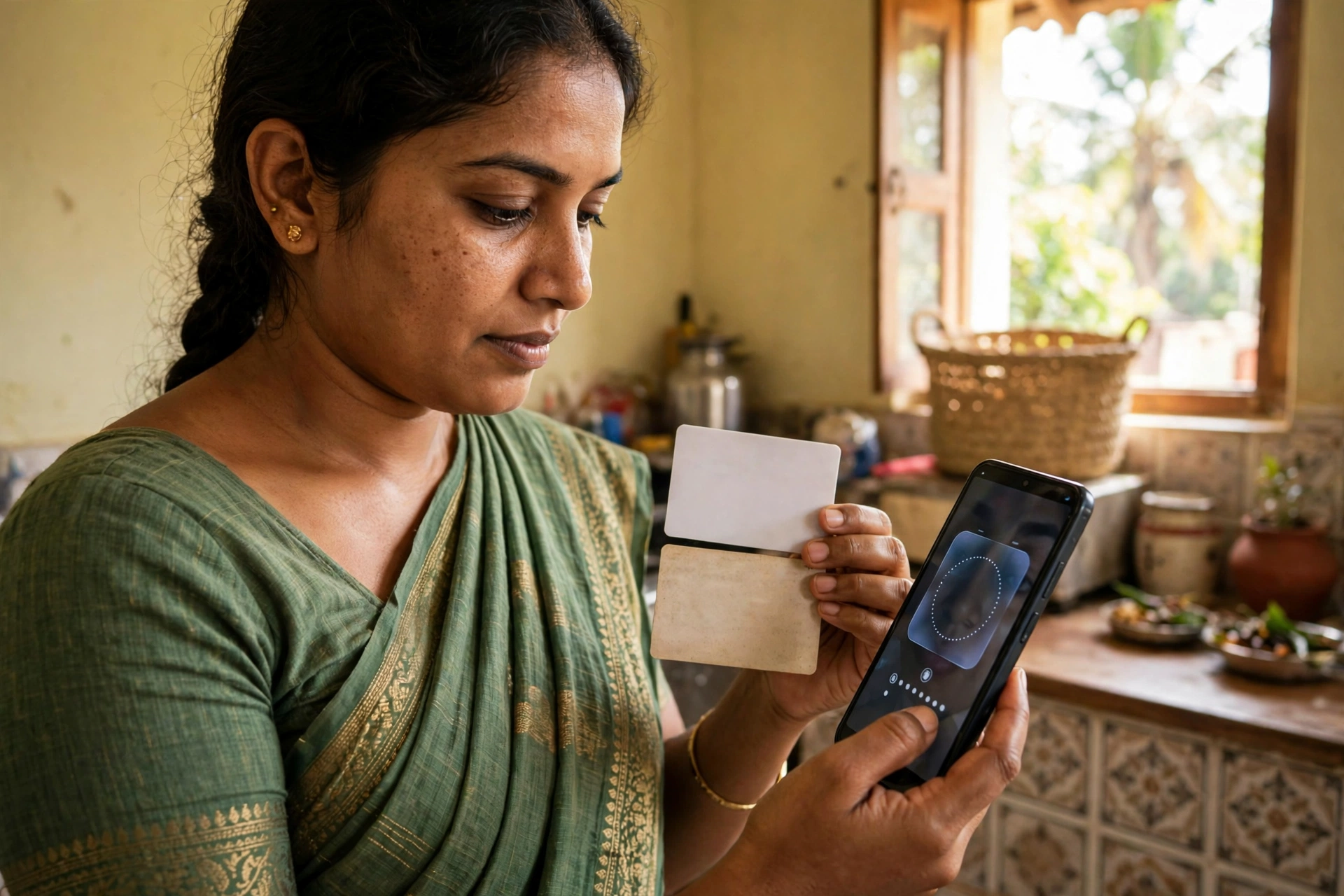
Q2: How do I use the Anna Seva App for eKYC? A: The Anna Seva App is used for per-member face authentication: open the app, select the ration card member, and complete the face verification for each member one by one. Keep the ration card number ready and do the verification in good light with the member present. If face authentication fails repeatedly, visit the ration shop (FPS) or the food office for help. Only the Anna Seva App is named — do not download any look-alike app.
Deadline update: two dates are disputed, so check the Ahara portal
Deadline box: This update could not confirm a single official deadline on 27 October 2026. The Ahara portal ahara.kar.nic.in did not resolve, and ahara.karnataka.gov.in did not load in this browser (connection reset). Claim 1, from this post on 19 October 2026: eKYC was extended to 10 November 2026, with the earlier deadline given as 20 October 2026. Claim 2, from a competitor report cited in the brief: the final deadline was 20 October 2026, with statewide expansion from 10 October 2026. Treat both dates as disputed. Readers must check the Ahara portal before relying on either date. Official portal: ahara.kar.nic.in. Who should check: any member of a Karnataka ration card whose eKYC is not yet shown as complete.
Face-auth walkthrough: what is verified, and what is not
The only app named in this post is the Anna Seva App. This update does not name a verified second or third app, so it does not give a confirmed three-app sequence. Do not download a look-alike app on the basis of this update. Follow only the screens shown by the app or portal you are using, and check each member separately.
- Open the Anna Seva App and keep the ration card ready.
- Select one member at a time. Do not use one person’s face for another member.
- Capture that member’s own face, following the on-screen prompts, and submit that member’s verification.
- Repeat the same steps for the next member, until every member has been checked.
- After that, check the status on the Ahara portal (see below) and keep a note of the result.
Ahara status check
The exact Ahara status-check click path could not be verified on 27 October 2026 because the portal did not load. Go to the official Ahara portal, use the ration card status or e-Services area as labelled on the live portal, and enter only the details the portal asks for. Do not enter ration card or Aadhaar details on a look-alike site. Status meanings are also not confirmed in this update: use the wording shown on the live portal, and if a member still shows as pending or incomplete, do not assume the verification is done.
Consequences and troubleshooting
Consequences: No consequence is confirmed in this update. This update does not state that ration will stop or that a card will be suspended, because the official portal could not be checked on 27 October 2026. If eKYC is missed, check the Ahara portal or ask at the local fair price shop for the current rule.
- Face photo fails: try again in bright, even light, with the face clearly visible and no shadow across the face. These are general tips, not official rules.
- Face does not match: check that the member selected is the person in front of the camera, then retry. If it keeps failing, seek help at the local fair price shop instead of using another person’s face.
- Aadhaar mismatch: check the details you entered, letter by letter. If the mismatch persists, do not guess a different number; seek help through the portal or the local fair price shop.
- Member abroad, deceased, or elderly: no official rule for these cases is stated in this update. Do not assume an exemption; ask the Food Department or the local fair price shop for the current rule for that member.
FAQ
- What is the deadline? Disputed. This post earlier gave 10 November 2026, while a competitor report gave 20 October 2026 as final. Neither date is confirmed in this update, so check the Ahara portal.
- Is eKYC head-only or per member? Check each member separately. This update does not confirm that the head’s verification alone completes eKYC for all members.
- Which app should I use? Only the Anna Seva App is named in this post. A second or third app is not verified in this update, so beware of look-alike apps.
- What does my status mean? Status meanings could not be verified because the portal did not load. Follow the wording on the live Ahara portal, and treat pending or incomplete as not done.
So do not wait. eKYC is free, takes only a few minutes, and keeps your card active. The Food Department has extended the e-KYC deadline to 10 November 2026 (reported 18 October 2026; the earlier deadline was 20 October 2026). Complete your eKYC before 10 November 2026 and check your status on the Ahara Portal.