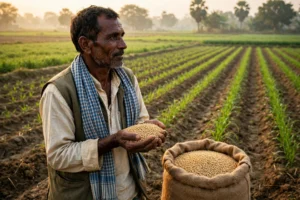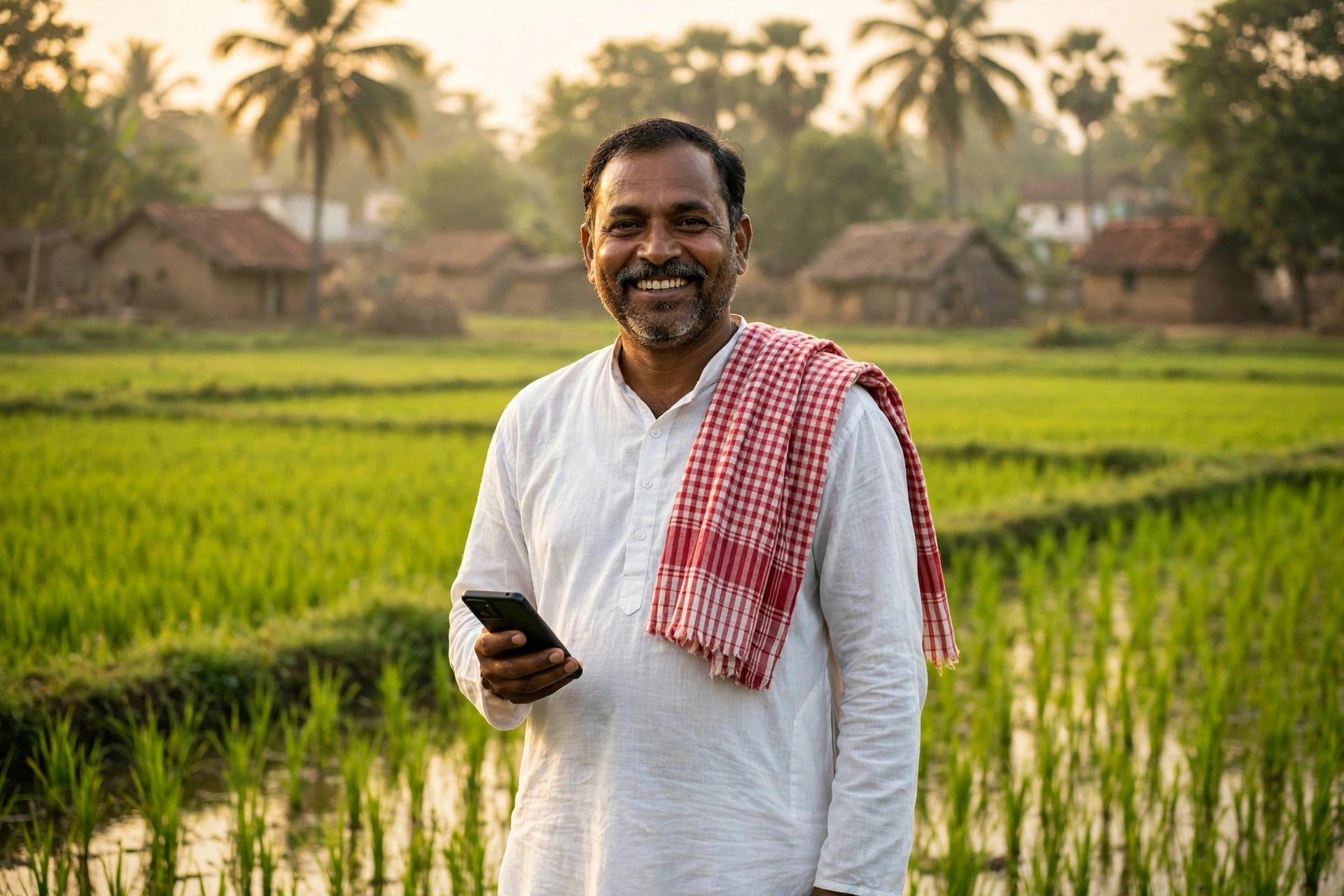
Early in the morning, standing on the edge of his paddy field, a farmer in Odisha checks the weather on his phone — and the same question comes to mind. When will the government’s money reach my bank account, and is my name even on the list? Not long ago, answering that one question meant repeated trips to the block office, stacks of paper, and a separate form for every single scheme. That whole story has now changed for the farmers of Odisha, because the state government has brought all farmer records together in one place. In this guide, we explain that system from the very beginning, in simple language — what to do, where to do it, and what to be careful about.
This article is written specially for farmers who are registering online for the first time, and for those whose names appear on the list but whose money has still not arrived. Before we go further, one thing should be clear — every fact given here has been checked against the official portal and government documents. Where something is still not confirmed, we have said so plainly and asked you to check the official portal.
What Is Krushak Odisha — One Identity, All Schemes
Krushak Odisha is the official farmer portal of the Odisha Government’s Department of Agriculture and Farmers’ Empowerment. Its job is simple — to build one verified record of every farmer in the state, so that scheme benefits reach the right farmer directly in his or her bank account. Once a farmer is registered on this portal, there is no need to submit the same information again and again for every scheme.
On the portal, farmers can register themselves, update their details — such as address, bank account, land and crop information — check their application status, search for their name in the beneficiary list, and complete their e-KYC. According to the figures shown on the portal’s homepage, more than 92 lakh farmers have already joined this system. That number alone shows that Krushak Odisha has become the main identity for farmers in Odisha.
One thing must be understood clearly. Krushak Odisha is not a single scheme — it is a registration and records portal. After registering here, a farmer becomes eligible to receive benefits under schemes such as the CM Kisan Yojana. First the identity, then the scheme benefit. That is why, if you are a farmer in Odisha and have not yet registered on this portal, this is the first step.
Krushak Odisha — Key Facts at a Glance
| Detail | Information |
|---|---|
| Portal name | Krushak Odisha |
| Official website | krushak.odisha.gov.in |
| Department | Department of Agriculture and Farmers’ Empowerment, Government of Odisha |
| Registered farmers | More than 92,52,168 (portal homepage, September 2026) |
| Registration fee | Free — no fee is charged |
| Login method | 12-digit Aadhaar number + 6-digit OTP on mobile |
| Helpline | 155333 (Krushi Samruddhi Helpline, toll-free) |
| Offline help | Nearest Mo Seba Kendra or Block Agriculture Office |
| Mobile app | Krushak Odisha Unified Portal (Android and iOS) |
| CM Kisan Yojana benefit | ₹4,000 per year for small and marginal farmers; ₹12,500 per year for landless households |
Who Can Register on Krushak Odisha
Permanent residents of Odisha who are engaged in farming can register on this portal. This includes small and marginal farmers, landless agricultural households and agricultural labourers. An Aadhaar card is mandatory for registration, because the entire identity is linked to Aadhaar. The mobile number must be linked with Aadhaar, because the OTP for login and e-KYC is sent to that number.
Farmers who do not own land can also register — for landless households, other identity documents are accepted in place of land papers. Elderly, disabled and widowed farmers are also covered by this system. On the other hand, income tax payers, government employees and pensioners are not treated as eligible for scheme benefits under the CM Kisan Yojana guidelines.
Documents Required for Registration
Keep these ready before you start, so that you do not have to stop midway:
- Aadhaar Card — mandatory; the 12-digit number is the key to login.
- Aadhaar-linked mobile number — the OTP will come only on this number.
- Bank passbook — details of the Aadhaar-linked bank account.
- Land records / patta — for farmers who own land; landless households can give another proof of identity.
- Passport-size photo — a recent photograph.
- Residence proof — proof of being a permanent resident of Odisha.
How to Register on Krushak Odisha Online — Step by Step
Registration is fully online and free. The steps below follow the official portal and the government’s user manual:
- Open the official portal — in your mobile or computer browser, open krushak.odisha.gov.in. Note that the old krushakodisha.nic.in address no longer works, so always use the correct .gov.in address.
- Find the Register / Login section — on the homepage you will see the “Register / Login” section.
- Enter your Aadhaar number — enter your 12-digit Aadhaar number and proceed.
- Verify with OTP — a 6-digit OTP will come to the mobile number linked with your Aadhaar. This OTP is valid for only 120 seconds, so enter it quickly. If the OTP does not arrive, tap “Resend OTP”.
- Fill in your details — carefully enter your name, address, mobile number, bank account details, and land and crop information.
- Upload documents — upload clear scanned copies of the documents asked for.
- Submit and note your registration number — after submitting, keep the registration number or Krushak ID you receive safe. This will become your identity.
What if you do not have an Aadhaar card? The portal also provides a way for farmers without Aadhaar — the homepage shows the option “If you don’t have Aadhaar please click for registration”. Even so, the easiest path is to first get an Aadhaar card made and then register, because without Aadhaar, e-KYC and receiving payments become difficult.
Cannot register online? Visit your nearest Mo Seba Kendra with all your documents — registration can be done from there as well. The Common Service Centre (CSC) in your village and the Block Agriculture Office also help with this.
How to Login to Krushak Odisha
- Open krushak.odisha.gov.in.
- Click on “Register / Login”.
- Enter your 12-digit Aadhaar number and click “Validate Aadhaar”.
- Enter the 6-digit OTP received on your Aadhaar-linked mobile and click “Verify and Login”.
- Once the OTP is verified, your dashboard will open, showing your profile, benefits and status.
Remember — no password is created on this portal. Every login happens through the Aadhaar number and OTP. So never share your Aadhaar number and OTP with anyone. No officer or agent ever asks for your OTP on the phone; if someone does, understand that it is a fraud attempt.
How to Change Your Mobile Number
If the mobile number linked with your Aadhaar has changed, the login page itself has an “Update Mobile Number” option. Enter your Aadhaar number, your name (as per the portal’s records) and the new mobile number, and update it. A 6-digit OTP will be sent to the new number, valid for 120 seconds. Enter the OTP and the number will be updated.
How to Check Your Name in the Beneficiary List and Your Status
- Open krushak.odisha.gov.in.
- Choose the “Status Check” or “Beneficiary List” option on the homepage.
- Enter your Aadhaar number.
- Check your status — whether the registration is approved, whether e-KYC is complete, and whether the installment money has been sent.
For the latest and most accurate information about CM Kisan Yojana installments, also check cmkportal.odisha.gov.in, because the payment lists for the scheme are updated there. On that portal you can see the payment date, bank and UTR number using your Aadhaar number or token number.
e-KYC — The Most Important Task, Do Not Delay It
After registration, the most important task is to complete your e-KYC. Without e-KYC, your installment money can be stopped even if your name appears on the beneficiary list, and if e-KYC remains incomplete for a long time, your name can even be removed from the list. e-KYC can be completed online through OTP, or by visiting a CSC or Block Agriculture Office for biometric (fingerprint) e-KYC.
To complete e-KYC, go to krushak.odisha.gov.in or cmkportal.odisha.gov.in, choose the “e-KYC” option, enter your Aadhaar number and verify with the OTP sent to your mobile. If your mobile is not linked with Aadhaar, take the biometric route — visit your nearest CSC.
What Is the Krushak Parichaya Patra (Farmer Identity Card)?
After registration is complete, the farmer receives the Krushak Parichaya Patra — a unique farmer identity (Krushak ID) issued on the portal. This identity is linked to your land records and bank account, so that scheme money goes directly into the correct account. It can be downloaded and printed through the “Download Krushak Card” option on the portal.
Krushak Odisha, CM Kisan, PM-KISAN and Farmer Registry — Understand the Difference
Many farmers get confused between these four names. The difference is clear:
| Name | What it is | Portal |
|---|---|---|
| Krushak Odisha | Odisha’s farmer registration and records portal | krushak.odisha.gov.in |
| CM Kisan Yojana | Odisha’s state scheme — ₹4,000/year (farmers), ₹12,500/year (landless) | cmkportal.odisha.gov.in |
| PM-KISAN | Central government scheme — ₹6,000/year, separate registration | pmkisan.gov.in |
| Farmer Registry / Agristack | National farmer ID system — separate from the state system | Varies by state |
What happened to the KALIA scheme? Odisha’s old KALIA scheme was restructured as CM Kisan Yojana from the 2025-26 cycle. The old kalia.odisha.gov.in portal now holds only old records; current benefit and payment information is available on the CM Kisan portal. So if you are still checking your status on the KALIA portal, it may show outdated information — check cmkportal.odisha.gov.in for the correct picture.
Under CM Kisan, small and marginal farmers receive ₹2,000 in each of two installments — a total of ₹4,000 per year — and landless households receive a total of ₹12,500 in three installments. According to reports, the fifth installment was released on 4 September 2026, sending more than ₹833 crore to over 41 lakh farmers. The sixth installment is expected around May 2027 — this date has not yet been officially announced, so check the official portal for the latest update.
Krushak Odisha Mobile App — Do Everything From the Field
The portal’s mobile app is available as “Krushak Odisha Unified Portal” on the Google Play Store and the Apple App Store. In the app, you can choose English or Odia as the language. Login works just like the website — enter your Aadhaar number, receive the OTP, and verify.
On the app’s home screen you get weather information, a Benefits Passbook (a record of the benefits you have received), the Krushi Samruddhi AI chatbot under “Ask Us Anything”, the Soil Health Card for your farms, and single sign-on to portals such as GO SUGAM and SAFAL. In other words, standing in the field itself you can check the weather, your soil report and your scheme benefits — all in one app.
Common Problems and Their Solutions
- OTP not arriving: Check whether your mobile is linked with Aadhaar. Try a different network, tap “Resend OTP” after 120 seconds. If it still does not come, update your mobile number or visit a CSC.
- Name is on the list but money has not arrived: First check your e-KYC — this is the most common reason. Then check whether your bank account is linked with Aadhaar.
- Old KALIA portal shows old information: Check the CM Kisan portal (cmkportal.odisha.gov.in) — it gives the current information.
- Land record does not match: For the landless category, give another proof of identity instead of land papers; take help from the Block Agriculture Office.
- Wrong information was entered: Login and update the details through “My Profile”; if that does not work, visit a Mo Seba Kendra.
Frequently Asked Questions (FAQ)
1. What is the registration fee for Krushak Odisha?
Registration is completely free. Do it yourself online or get it done at a Mo Seba Kendra — no fee is charged. If anyone asks for money, it is a fraud.
2. Which is the official portal of Krushak Odisha?
The official portal is krushak.odisha.gov.in. The old krushakodisha.nic.in address no longer works, so use only the .gov.in address.
3. Why is no password created for login?
Login on this portal happens through the Aadhaar number and a mobile OTP, not a password. A new 6-digit OTP comes every time and is valid for 120 seconds.
4. Is the KALIA scheme still running?
No, KALIA was restructured as CM Kisan Yojana from 2025-26. Current benefits, installments and status information are available on cmkportal.odisha.gov.in.
5. What happens if I do not complete e-KYC?
Without e-KYC, your installment money can be stopped even if your name is on the beneficiary list. If e-KYC remains incomplete, your name can also be removed from the list.
6. My name is not in the beneficiary list — what should I do?
First check your application status on the portal — there may be a mistake in your Aadhaar or bank account details. Correct the mistake, complete your e-KYC, and if the problem continues, contact the Block Agriculture Office or helpline 155333.
7. Are Krushak Odisha and PM-KISAN the same thing?
No. Krushak Odisha is Odisha’s state registration portal, while PM-KISAN is a separate scheme of the central government. The CM Kisan benefit is given in addition to PM-KISAN.
Important Official Links
| Purpose | Official link |
|---|---|
| Krushak Odisha — registration and login | krushak.odisha.gov.in |
| CM Kisan — installments and beneficiary list | cmkportal.odisha.gov.in |
| PM-KISAN — central government scheme | pmkisan.gov.in |
| Farmers Unified Portal (app manual) | fup.odisha.gov.in |
| Find a Mo Seba Kendra | odishaone.gov.in |
Read Next
If you are a farmer in Odisha, also read our CM Kisan Yojana Odisha 2026 guide — it has full details on installment dates and eligibility. For the PM-KISAN 24th installment, see PM Kisan 24th Installment Status, and for the warning about the national Farmer Registry, read our Farmer Registry 2026 article.
Disclaimer: This is a private information portal, not a government website. The information given here has been checked against official sources, but before taking any step, please verify the latest information on the official portal krushak.odisha.gov.in.
Last updated: 7 November 2026