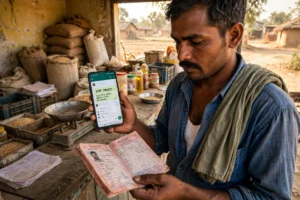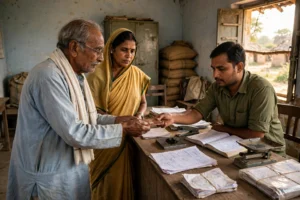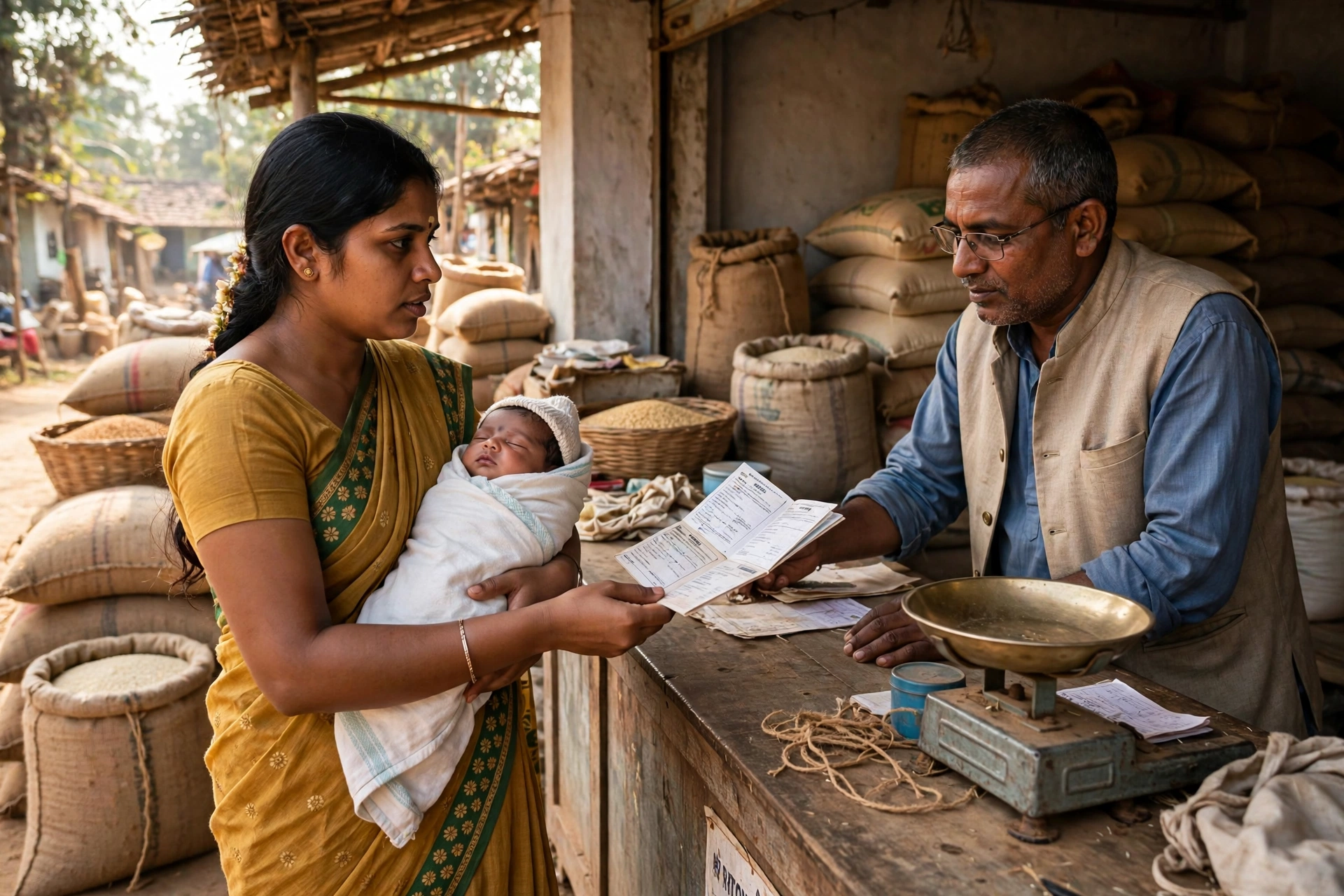
When a new member joins the family — a baby is born, a son gets married and a new daughter-in-law comes home, or a family member who was left out of the card earlier — the name of the new member must be added to the ration card. Only after the name is added does the family get that member’s share of ration. On a PHH card, every new member added gives the family 5 kg of extra grain every month. So do not delay this work; complete it as soon as possible.
The name can be added online through the state food department’s portal, or offline through the Tehsil, the food office or a CSC Jan Seva Kendra. In this guide, we will explain whose name can be added, which documents are needed, how to apply online and offline, how long it takes, and how to check the application status.
Whose name can be added to a ration card
The name of any member of the family can be added to a ration card, as long as that member lives in the same house and the name is not already on another ration card. The same person’s name cannot be on two ration cards, because once the Aadhaar is linked, the system catches it and the application stops.
Newborn baby: When a baby is born in the house, the name can be added to the ration card. The birth certificate of the baby is needed for this. A Baal Aadhaar is made for a child under 5 years of age, in which fingerprints and iris scan are not taken. This must be done when the child turns 5.
New daughter-in-law: After marriage, the daughter-in-law’s name is added to the in-laws’ ration card. For this, her name must first be removed from her parents’ card, that is, a Deletion Certificate or NOC must be taken. A marriage certificate and the husband’s Aadhaar card with the husband’s address are also needed.
Adult member or parents: If any adult member of the family, such as parents or siblings, was not added to the card earlier, their name can also be added. Their Aadhaar card and a proof of relation with the family are needed for this.
Member left out earlier: Sometimes, when the ration card was made, the name of a member was left out. Such a member’s name can also be added later. The Aadhaar card and a proof of address are needed for this.
Documents needed to add a name
The documents depend on whose name you are adding. Keep all the documents ready before applying, so that you do not have to stop in the middle of filling the form. The documents needed for each situation are given below.
For a newborn baby: Birth certificate issued by the hospital or the Municipality, the Aadhaar cards of both the mother and the father, and a copy of the existing ration card. For a child under 5 years of age, the Baal Aadhaar is enough.
For a new daughter-in-law: Deletion Certificate or NOC for removing the name from the parents’ ration card, the marriage certificate, the Aadhaar card with the husband’s address, and a copy of the in-laws’ ration card. Note — first get the name removed from the parents’ card, otherwise the application will stop.
For an adult member: The member’s Aadhaar card, a proof of relation with the family (such as the old ration card, voter ID or bank passbook), and a proof of residence. Some states also ask for a Self Declaration form.
Common documents for all: A copy of the existing ration card, the head of the family’s Aadhaar card, and the registered mobile number. The documents must be clear and readable. For an online application, a scanned copy of the document has to be uploaded, so keep the photo clear and the file size within the portal’s limit.
How to add a name online
Most states give the facility to add a name online. The process can be slightly different in each state, but the basic steps are the same. The general process is given below.
- Go to the food department portal of your state. For example, FCS Portal in Uttar Pradesh (fcs.up.gov.in), EPDS Portal in Bihar (epds.bihar.gov.in), MahaFood in Maharashtra (mahafood.gov.in), TNPDS in Tamil Nadu (tnpds.gov.in), Ahara in Karnataka (ahara.kar.nic.in), WBPDS in West Bengal (food.wb.gov.in), and EPDS in Telangana (epds.telangana.gov.in). The link to the state portal is also available on nfsa.gov.in under “Ration Card Details on State Portals”.
- Log in with the registered mobile number. Verification will be done through OTP.
- Go to “Ration Card Services” and choose the “Add New Member” or “Member Inclusion” option.
- Enter your 12-digit ration card number and select the head of the family, so that the existing members of the family are shown.
- Fill in the full name of the new member, the relation with the head, the date of birth, the gender and the 12-digit Aadhaar number.
- Upload a clear scanned copy of the required documents — such as the birth certificate, the deletion certificate or the marriage certificate.
- Submit the form. As soon as you submit it, you will get an Acknowledgement Number or Application Reference Number. Keep it safe, because the application status is checked with it.
- After this, the officers of the food department check the documents. In some states, the supply inspector may also visit the house for verification.
How to add a name offline
If the online application is not working, there is an offline way too. This way is easier for people who do not have internet facility or who want help in filling the form.
- Go to your nearest CSC Jan Seva Kendra, Tehsil office or District Food Supply Office.
- Take the “Add New Member” form from there, or write an application on plain paper. In the application, write the head of the family’s name, the ration card number, the new member’s name, date of birth, relation and Aadhaar number.
- Attach photocopies of the required documents with the application — the birth certificate, the marriage certificate, the deletion certificate (if adding the daughter-in-law’s name), the Aadhaar card and a copy of the ration card.
- After submitting the form, you will get a receipt or Acknowledgement Number. Keep it safe.
- After this, the department checks the documents and the supply inspector may verify. When the verification is complete, the new member’s name is added to the card.
Note — the CSC centre may charge its own fee for adding the name, but the department has not fixed any fee for the application. If any officer or agent asks for money in exchange for adding the name, complain to the District Food Officer or call the national helpline 1967.
Adding a name through Mera Ration 2.0 App
A request to add a member can also be made through the government’s Mera Ration 2.0 mobile app. In the app, log in with the ration card number or the head of the family’s Aadhaar OTP. Then go to “Manage Family Members” and tap “Add New Member”. Fill in the details of the new member and upload a copy of the birth certificate or the deletion certificate and submit. This way is easy for people who want to work from their mobile.
How long does it take for the name to be added
An application to add a name is usually completed in 15 to 30 working days. This includes the time for document verification and the supply inspector’s verification. If the documents are correct and there is no problem in the verification, the name is added quickly. If the documents are incomplete or the information is wrong, the application can stop or be rejected. So fill in the name spelling, the date of birth and the Aadhaar number carefully while filling the form.
After the name is added, a PHH card gets 5 kg of extra grain every month for every new member. On an AAY card, the grain quantity remains 35 kg per family, but adding the member’s name is necessary, so that the member can take the benefit of government health and other schemes.
Why e-KYC is needed after the name is added
After the name is added, a new adult member has to go once to the nearest Fair Price Shop and get the Aadhaar-based biometric e-KYC done on the e-PoS machine. Only after that does the ration for that member start coming. For a child under 5 years of age, this is not needed, because the Baal Aadhaar is made without biometrics. When the child turns 5, the biometric update has to be done at the Aadhaar centre.
How to check the application status
To check the application status, you need the Acknowledgement Number, which you got while submitting the form.
- Go to the food department portal of your state.
- Choose the “Track Application Status” or “Check Application Status” option.
- Enter your Acknowledgement Number or the head of the family’s Aadhaar number.
- You will see the status of the application — such as under verification, approved, or a document has been asked for.
- After the name is added, you can also see the new member’s name in the beneficiary list from your state portal on nfsa.gov.in.
If the application has been pending for more than 15 working days, contact the District Food Officer or file a complaint on the national helpline 1967.
Mistakes to avoid while adding a name
The most common mistake is not getting the daughter-in-law’s name removed from her parents’ card before adding it. When this happens, the system shows the Aadhaar at two places and the application stops. So first take the deletion certificate, then apply to add the name.
The second mistake is filling in wrong information — if the name spelling, the date of birth or the Aadhaar number is wrong, the application can be rejected. Before submitting the form, match every detail with the Aadhaar card.
The third point — the same person’s name should not be on two ration cards. If the family has split, first complete the Family Split process, then get a new card made.
The fourth point — do not fall for any agent who takes money to get the name added. This work is done directly through the government portal and the office.
Frequently Asked Questions
Q1. What documents are needed to add a newborn baby’s name to a ration card?
The birth certificate of the baby, the Aadhaar cards of both the mother and the father, and a copy of the existing ration card are needed. A Baal Aadhaar is made for a child under 5 years of age, in which biometrics are not taken.
Q2. How do I add a new daughter-in-law’s name to a ration card?
First, get the daughter-in-law’s name removed from her parents’ ration card and take the Deletion Certificate (NOC). Then apply to add the name to the in-laws’ card, attaching the marriage certificate and the Aadhaar card with the husband’s address.
Q3. How many days does it take to add a name to a ration card?
It usually takes 15 to 30 working days. This includes the time for document verification and the supply inspector’s verification. If the documents are correct, the work is done quickly.
Q4. Is an Aadhaar card necessary to add a name?
Yes, the new member’s Aadhaar card is necessary. For a child under 5 years of age, the Baal Aadhaar works, which is made from the birth certificate and the parents’ Aadhaar.
Q5. How much extra ration will I get after a name is added?
On a PHH card, every new member added gives 5 kg of extra grain every month. On an AAY card, the quantity remains 35 kg per family, but adding the member’s name is necessary.
An independent information portal (not a government website)
Last Updated: 23 November 2026