
Updated: 27 October 2026
Quick Facts: Ration Card List
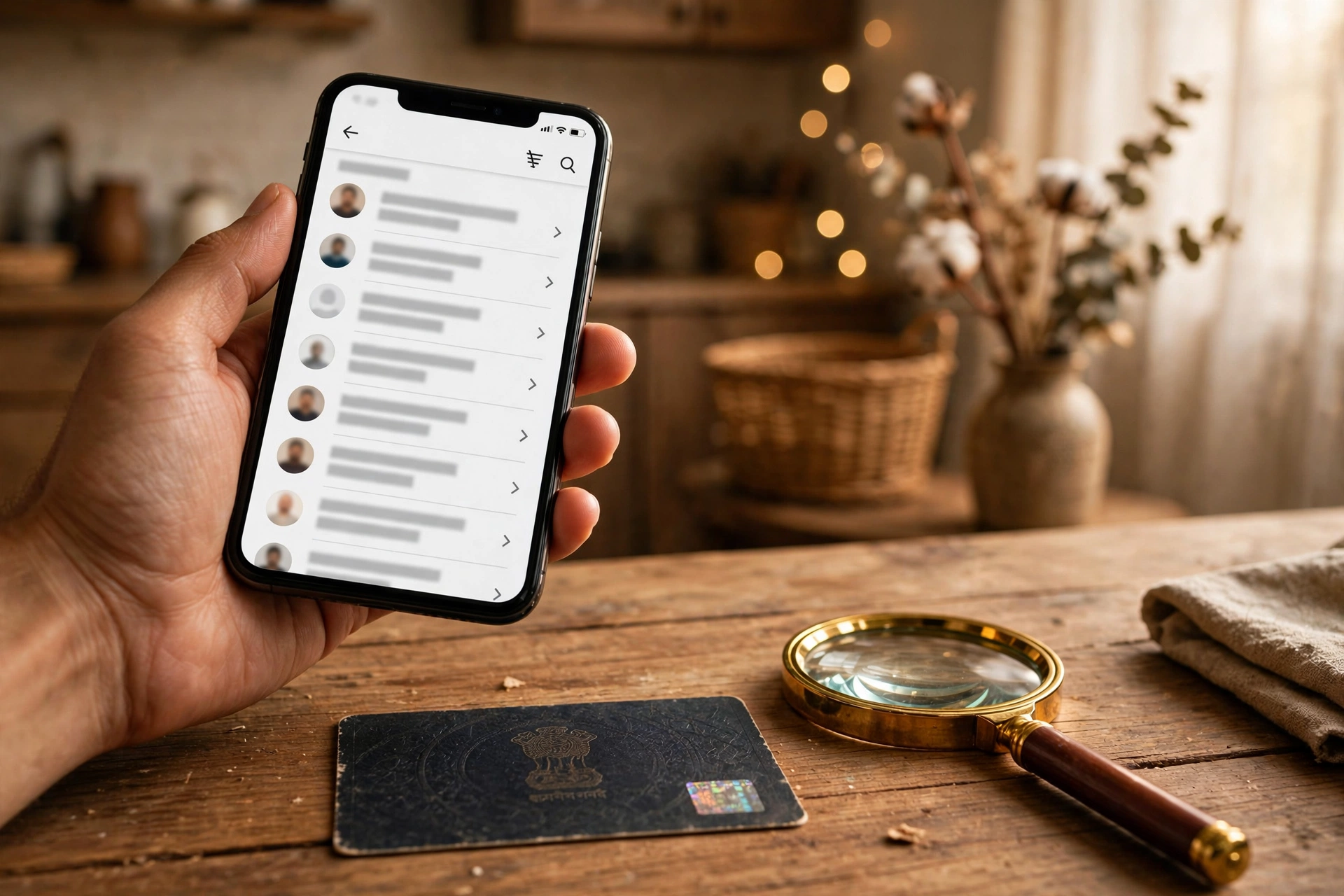
The ration card list is the state record of households and members entitled to subsidised food grain under the National Food Security Act (NFSA), 2013. There is no single all-India list. Each state publishes its own list, so check your own state portal. Start from the national gateway: Ration Card Details on State Portals – nfsa.gov.in. Use only the official state portal for your state, and do not pay anyone to add a name to the list.
State-Wise Direct Links to the Official List Portal
Open your state link, then select district, then block or tehsil, then village or ward, then your Fair Price Shop (FPS) dealer list, as the portal shows it.
| State | Official list portal | What to select on it |
|---|---|---|
| Uttar Pradesh | nfsa.up.gov.in | District, then block or tehsil, then FPS dealer list |
| Bihar | epds.bihar.gov.in | District, then block, then FPS dealer list |
| Maharashtra | rcms.mahafood.gov.in | District, then block or village, then FPS dealer list |
| Rajasthan | food.raj.nic.in | District, then block or tehsil, then FPS dealer list |
| Madhya Pradesh | rationmitra.nic.in | District, then block, then FPS dealer list |
| West Bengal | nfsa.gov.in – select West Bengal | Select West Bengal, then district, then block, then FPS dealer list |
| Odisha | pdsodisha.gov.in | District, then block, then FPS dealer list |
| Jharkhand | aahar.jharkhand.gov.in | District, then block, then village or FPS dealer list |
| Haryana | hr.epds.nic.in | District, then block, then FPS dealer list |
| Delhi | nfs.delhi.gov.in | FPS dealer, then card list for that dealer |
| Karnataka | ahara.kar.nic.in | District, then taluk, then village or FPS dealer list |
| Tamil Nadu | tnpds.gov.in | District, then taluk, then village or FPS dealer list |
| Telangana | epds.telangana.gov.in | District, then mandal, then village or FPS dealer list |
| Andhra Pradesh | epds1.ap.gov.in | District, then mandal, then village or FPS dealer list |
| Gujarat | ipds.gujarat.gov.in | District, then taluka, then village or FPS dealer list |
| Assam | rcms.assam.gov.in | District, then block, then village or FPS dealer list |
Sources: NFSA state portals page at nfsa.gov.in, checked 27 October 2026. For West Bengal, the NFSA page gives an IP-address report link, so this table links to the NFSA state page instead and asks you to select West Bengal there.
Three Ways to Check – Do Not Mix Them Up
(a) List check – your name in the village or block list
- Open the national gateway above, then open your state portal from the table.
- Select your state, then district, then block or tehsil, then gram panchayat or ward.
- Open the beneficiary list for your Fair Price Shop (FPS).
- Check your name, the head of household name, and the family member count.
- If the spelling differs slightly, check the same FPS list again and note the ration card number shown.
(b) Aadhaar-linked card check
- Open the Mera Ration 2.0 app from the Play Store and log in with Aadhaar, as shown in the guide below.
- View your ration card, your nearest ration shop, and your grain transactions for the past 6 months.
- Check the e-KYC status shown for each member.
- If a member is not shown as verified, complete e-KYC at the FPS (see Troubleshooting).
(c) Ration card number check
- Open your state portal from the table.
- Use the ration card search or card details option where the portal offers it.
- Enter the ration card number exactly as printed on the card.
- Check the card status, the member list, and the FPS dealer shown.
- If the number is not accepted, recheck each digit and use the list check in (a) to find the number as recorded.
Troubleshooting
Name not in the list: First recheck the correct district, block, village and FPS dealer list, and check spelling variations. Then get the e-KYC status checked by your dealer, because most missing-name cases in this guide are resolved there. If it is still missing, file an online grievance on the state portal.
Card shown inactive: Go to your nearest Fair Price Shop (FPS) with your Aadhaar card and ration card, and complete biometric e-KYC on the e-PoS machine. This service is free. The guide below notes that a card is usually reactivated after successful e-KYC.
Aadhaar not seeded: Take the Aadhaar card of each member and the ration card to the FPS dealer, who enters the ration card number in the e-PoS machine and scans each member. Do not share Aadhaar details with agents or paid middlemen.
FPS dealer issues: First ask the dealer to check your e-KYC status and your card on the e-PoS machine. If the problem continues, contact the block supply office or the District Supply Officer, or file a complaint on the state portal. You can also call the national PDS helpline 1967.
Route to the district food office: Contact the block supply office or the District Supply Officer for your district, or use the grievance option on your state portal, or call 1967. Take your ration card number and Aadhaar details for the members concerned.
New FAQ Additions
Is there one all-India ration card list? No. Lists are state-wise. There is no single all-India list to search. Use the national gateway only to reach your state portal.
How often do the lists update? This update does not state a fixed update frequency, because no single official update schedule was verified. Lists change when a state updates its records, so always check the current list on your state portal.
My name is missing. What should I do? Recheck the correct FPS list, get e-KYC checked at the FPS, then file an online grievance on the state portal or contact the block supply office or District Supply Officer, or call 1967.
What is the difference between a new card application and a list check? A list check only looks up a name or card that already exists. A new card application is a fresh application on your state PDS or food department portal, with document upload and Aadhaar e-KYC for every member, as described in the guide below.
Cheap or free ration every month — wheat, rice, pulses — that is the power of a ration card. But lakhs of families are missing from the list, or their ration has stopped because e-KYC was not done. If your household has a ration card, this article is essential for you.
In this detailed guide, we explain in simple language — the types of ration cards, how much grain each card gets, how to check your name in the list online, why e-KYC is compulsory and how to do it, how to apply for a new ration card, where to complain if your name is missing, and how One Nation One Ration Card lets you take ration in another state. At the end, 10 essential questions are answered.
Ration Card: Key Facts at a Glance
| Point | Details |
|---|---|
| Law | National Food Security Act (NFSA), 2013 |
| Card types | AAY (Antyodaya), PHH (Priority), APL/BPL (as per state) |
| AAY entitlement | 35 kg/family/month |
| PHH entitlement | 5 kg/person/month |
| List check portal | nfsa.gov.in |
| Mobile app | Mera Ration 2.0 |
| e-KYC | Mandatory for every member (biometric at FPS) |
| Helpline | 1967 (national PDS helpline) |
What Are the Types of Ration Cards?
1. AAY — Antyodaya Anna Yojana card: for the poorest families. Every family gets 35 kg of grain per month.
2. PHH — Priority Household card: eligible families under NFSA get 5 kg per person per month. A 4-member family gets 20 kg.
3. APL/BPL cards: state governments also issue APL (above poverty line) and BPL (below poverty line) cards — rules vary by state.
How to Check Your Name in the List (Online Method)
Step 1: Open nfsa.gov.in.
Step 2: In the navigation, click “Ration Card Details On State Portals” under the “Ration Card” tab.
Step 3: Select your state.
Step 4: Select your district → block/tehsil → gram panchayat/ward.
Step 5: The beneficiary list for your Fair Price Shop (FPS) opens — check your name and family member count.
Easier method — Mera Ration 2.0 app: download the Mera Ration app from the Play Store, log in with Aadhaar — see your nearest ration shop, 6 months of grain transactions, and ONORC eligibility.
Why Is e-KYC Compulsory? How to Do It?
To eliminate duplicate and fake cards, the government has made e-KYC mandatory for every member. Without it, your ration can stop or the card may show “Inactive”.
How e-KYC works:
- Visit your nearest Fair Price Shop (FPS) with your Aadhaar card and ration card.
- The dealer enters your ration card number in the e-PoS machine.
- Each member’s fingerprint/iris/face is scanned.
- On successful verification, you are marked ‘e-KYC Verified’ in the UIDAI record.
Even if your state’s e-KYC deadline has passed, late e-KYC is still free, and the card is usually reactivated within 48 hours.
How to Apply for a New Ration Card (2026 Process)
In most states, applications are now online only — physical forms are being phased out.
Step 1: Create a profile on your state’s PDS/food department portal (nfsa.gov.in and the Mera Ration app are the national gateways).
Step 2: Upload documents digitally — clear scans or photos.
Step 3: Complete Aadhaar e-KYC for every member — applications without verified Aadhaar cannot proceed.
Step 4: Track your application status on the state portal — SMS alerts have begun.
Step 5: After approval, you get a digital ration card — available on DigiLocker and government apps. Some states still issue a physical card after approval.
Documents Required for a New Application
- Head of household’s ID proof: Aadhaar, Voter ID, or PAN (under NFSA, the senior-most female member aged 18+ is registered as head)
- Aadhaar cards of all family members
- Address proof: electricity bill, water bill, or rent agreement
- Income certificate issued by the Tehsildar/SDM
- Bank passbook copy (with IFSC)
- Passport-size photographs
What If Your Name Is Missing or Ration Has Stopped?
First step: get your family’s e-KYC status checked by your dealer — most cases are resolved here.
Second step: file an online grievance on the state portal, or contact the block supply office / District Supply Officer.
Third step: register a complaint on the 1967 helpline — the national PDS helpline.
One Nation One Ration Card (ONORC): Ration in Another State
Working in another state? Under ONORC, you can take your ration from any Fair Price Shop in India by showing your Aadhaar number. Check your ONORC eligibility in the Mera Ration app first.
Beware of Fraud
If anyone demands money to make your ration card or add your name to the list, it is a fraud — the official application and e-KYC process is free. Trust only nfsa.gov.in and your state’s food department portal.
Frequently Asked Questions (FAQs)
Q1: How do I check my name in the list?
A: nfsa.gov.in → Ration Card Details On State Portals → state → district → block → FPS. Or use the Mera Ration app.
Q2: How much grain do AAY and PHH get?
A: AAY families get 35 kg/month; PHH gets 5 kg per person/month.
Q3: Why is e-KYC necessary?
A: Biometric e-KYC of every member is compulsory — without it, ration can stop or the card may show Inactive.
Q4: Where do I get e-KYC done?
A: At the nearest Fair Price Shop (FPS) on the e-PoS machine — completely free.
Q5: How do I apply for a new ration card?
A: Online application on the state PDS portal + document upload + e-KYC.
Q6: Which documents are needed?
A: Aadhaar of all members, address proof, income certificate, bank passbook, photos.
Q7: Can I get ration in another state?
A: Yes — One Nation One Ration Card lets you draw from any FPS with Aadhaar.
Q8: What if my name was removed?
A: First get e-KYC checked, then file a grievance on the state portal or call the 1967 helpline.
Q9: What is the fee for a ration card?
A: Application and e-KYC are free — treat any money demand as fraud.
Q10: What is the helpline number?
A: 1967 — the national PDS helpline.
Important Links
- National portal: nfsa.gov.in
- Mobile app: Mera Ration 2.0 (Play Store)
- Helpline: 1967
Disclaimer: GramSuvidha is a private information portal (not a government website). The information above is based on official sources — rules can vary by state, so always verify on nfsa.gov.in or your state’s food department portal before acting.
2 thoughts on “How to Check Name in Ration Card List (2026): Full Process”
Comments are closed.