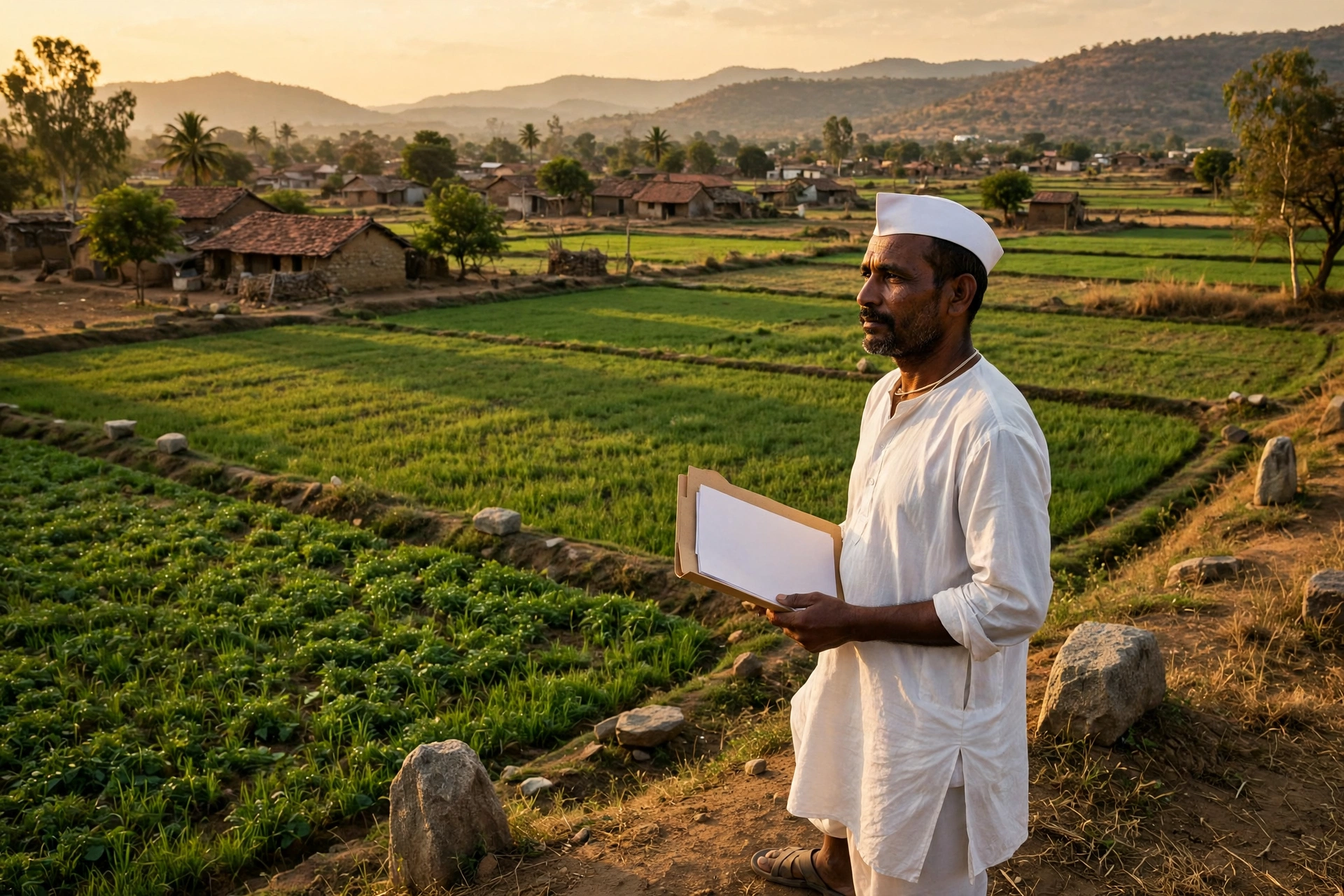
Whether you are buying a farm plot, applying for a bank loan, settling an ancestral land partition, or simply checking which land is recorded in your name, one document is asked for first in Maharashtra. It is the 7/12 extract, known in Marathi as the Saatbara Utara. Earlier, getting this paper meant repeated visits to the Talathi office. Today, the Mahabhulekh 7/12 portal of the Maharashtra government makes the whole process possible from home. In this article we explain what the portal is, which documents it offers, how the free view differs from the legally valid copy, and what to check carefully when you look at your own land record.
Read the article to the end, because the last sections list the common mistakes and stuck points that trouble most first-time users of the portal. A clear comparison table also explains the difference between the 7/12, the 8A extract and the Property Card, so that you do not waste time chasing the wrong document.
Mahabhulekh 7/12 at a Glance — Quick Facts
| Point | Detail |
|---|---|
| Portal name | Mahabhulekh (Maharashtra Bhumi Abhilekh) |
| Department | Revenue Department, Government of Maharashtra — Directorate of Land Records |
| Free viewing portal | bhulekh.mahabhumi.gov.in |
| Digitally signed copies | digitalsatbara.mahabhumi.gov.in |
| Main portal | mahabhumi.gov.in |
| Documents available | 7/12 extract, 8A extract, Property Card (Malmatta Patrak), K-Prat |
| Free view fee | Zero — no login needed to view |
| Digitally signed copy fee | Rs 15 per document (online payment) |
| Legal validity of free view | None — for information only |
| Legal validity of signed copy | Yes — accepted by banks, courts and registration offices |
| Search methods | By survey number / gat number or by owner name |
| Current version | Mahabhulekh v2.0 — with ULPIN support |
What is Mahabhulekh?
Mahabhulekh is the official online land records portal of the Government of Maharashtra. Its full name is Maharashtra Bhumi Abhilekh, and it is run by the Directorate of Land Records under the state Revenue Department. The portal holds the digitised Record of Rights for villages and towns across Maharashtra. Earlier these records lived in register books at the Talathi office. Now the same information is available online, and anyone can look up a land record using the village, taluka and survey number.
The biggest benefit of the portal is that land information is no longer locked inside one office. A farmer can view the 7/12 of his field from home, a buyer can check the owner name and encumbrance details before buying land, and a bank can ask for a digitally signed copy before sanctioning a loan. The portal is available in Marathi, so rural users in Maharashtra can understand it easily.
Mahabhulekh v2.0 is the upgraded version of the portal. It adds ULPIN, the Unique Land Parcel Identification Number. Every land parcel gets an 11-digit Property UID number, which makes it easy to identify the correct plot even when villages or survey numbers have similar names. The new version also works better on mobile phones and loads faster than the old one.
What is the 7/12 Extract (Saatbara Utara)?
The 7/12 extract is the most important Record of Rights for agricultural land in Maharashtra and Gujarat. Its name comes from two forms — Form VII and Form XII. Form VII records the names of landowners and occupants, the type of rights they hold, and whether there is any mortgage, lien or court order on the land. Form XII records agricultural information — the crops grown, the cultivable area, and whether the land is irrigated or rain-fed.
In simple words, the 7/12 extract tells you whose land it is, what rights they hold, whether anyone else has a claim on it, and what is grown on it. That is why it is the first document asked for when buying land, taking an agricultural loan, buying crop insurance, or dividing family land. Note that the 7/12 extract is only for rural and agricultural land. For urban property, the equivalent document is the Property Card, explained later in this article.
When you read a 7/12 extract, first check the owner name column. Then check that the survey number and area match your papers. After that, always read the encumbrance column — if a bank loan, mortgage or court order is recorded there, understand how it will be settled before you buy. A blank or Nil entry usually means no recorded liability, but do not rely on that one column alone for a big transaction — take a fresh digitally signed copy and confirm with the local Talathi as well.
How to View the 7/12 Extract Online Free — Step by Step
You can view the 7/12 extract free on the Mahabhulekh portal. There is no fee and no login is needed. This view is only for information, but it is the fastest way to do an initial check of any land record.
Search by Survey Number / Gat Number
1. Open the official portal bhulekh.mahabhumi.gov.in.
2. First select your Division — Pune, Nashik, Aurangabad, Nagpur, Konkan or Amravati.
3. Now select your District.
4. Then select the Taluka.
5. Select the Village name.
6. In the record type, select 7/12.
7. Choose the search mode “By Survey Number” and enter the survey number or gat number. In some areas the survey number has to be entered in two parts.
8. Enter your mobile number, choose the language, fill the captcha and click Search.
9. Click the row for your land in the result list — Form VII and Form XII will open together.
Search by Owner Name
If you do not know the survey number, you can search by the owner name. Follow steps 1 to 6 above, then choose the search mode “By Owner Name” and enter the landowner name in Marathi or English. Fill the captcha and search — all matching records will appear. Pick the record with the correct survey number and open the extract. Use the same spelling of the name as it appears in the government record, or the search may return no result.
The free view can be read on screen and saved as a PDF, but it is not valid for legal work. Banks, courts and sub-registrar offices do not accept the free copy, because a screenshot or plain PDF can be edited. For a loan or registration, always take the digitally signed copy, whose process is given in the next section.
How to Download a Digitally Signed 7/12 — Rs 15
When you need a 7/12 that banks, courts or registration offices will accept, download a digitally signed copy from the Digital Satbara portal. This copy carries a government digital seal, a Permanent Reference Number (PRN) and a QR code, so anyone can verify that it is genuine. The fee for this service is Rs 15 per document.
1. Open digitalsatbara.mahabhumi.gov.in.
2. Register as a new user or log in to your account. Registration needs a mobile number and an OTP.
3. Select the division, district, taluka and village.
4. Enter the survey number or gat number. For urban property, a CTS number option is also available.
5. Select the document type as 7/12 (Saatbara).
6. Pay Rs 15 online — UPI, net banking or debit card can be used.
7. Keep the PRN number printed on the payment receipt safe.
8. Download the digitally signed 7/12 PDF and save it in a safe folder.
After downloading, scan the QR code yourself to check the copy is genuine before sending it to a bank or buyer. Do not add your own stamp or watermark on the signed PDF, because that can break the digital signature check. If you need copies for more than one plot, you pay Rs 15 for each document — five plots cost about Rs 75 in total, so count this in your budget before you start.
7/12 vs 8A vs Property Card — Comparison Table
Mahabhulekh offers three main documents, and people often confuse them. Asking for the wrong document wastes time and money, so understand this table first.
| Document | For which land | What it records | When it is used |
|---|---|---|---|
| 7/12 extract | Rural / agricultural land | Owner name, rights, encumbrance (loan/mortgage), crop and irrigation details | Land purchase, farm loan, crop insurance, partition |
| 8A extract | Rural / agricultural land | Account holder name, survey numbers, area and land revenue (lagan) details | Confirming tax payment, supporting document for transactions |
| Property Card (Malmatta Patrak) | Urban areas — municipal corporations, municipal councils, notified areas | Urban property owner, area, CTS number, encumbrance and tax assessment | Urban property purchase, home loan, legal disputes |
| K-Prat | Rural and urban | Survey and measurement map and Record of Rights copy | Boundary disputes, land measurement, survey work |
What is the 8A Extract and How to View It?
The 8A extract is the account-holder record. While the 7/12 tells you who owns the land and what crop grows on it, the 8A tells you who pays the land revenue and which survey numbers are entered in that account. After a family partition, the 7/12 may change quickly, but the revenue account is understood clearly only from the 8A.
The steps to view the 8A are the same as for the 7/12. Go to bhulekh.mahabhumi.gov.in, select the division, district, taluka and village, then choose 8A as the record type. Enter the account holder name or account number, fill the captcha and search. When you buy land, checking the 8A shows whether any land revenue is pending and whether the account name matches the seller name.
Property Card (Malmatta Patrak) — the Urban 7/12
The Property Card, called Malmatta Patrak in Marathi, does for urban property what the 7/12 does for village land. It is issued for properties inside municipal corporations, municipal councils and notified areas. It records the property owner name, CTS number, area, encumbrance details and tax assessment information.
To view a Property Card, go to bhulekh.mahabhumi.gov.in and choose Property Card as the record type. Then select the district and urban area and enter the property details. A digitally signed Property Card is also available from the Digital Satbara portal. Some guides say the Property Card status can be checked on digitalsatbara.mahabhumi.gov.in — check the current options on the portal itself before you proceed. When you buy a house or plot in a city, the bank usually asks for the Property Card, not the 7/12. So first confirm whether your property falls in a rural survey area or an urban CTS area, and then choose the right document.
Mutation and Ferfar — Changing the Name on the Record
When land ownership changes — by sale, inheritance, gift or a court order — the new name must be entered in the 7/12 extract. This process is called mutation, and in Marathi it is called Ferfar, which means a change in the Record of Rights. Until the Ferfar is complete, the government record still shows the old owner, even if the sale deed has already been made.
For an online mutation application, keep these documents ready: the sale deed or gift deed, the mutation application form, an identity proof such as Aadhaar card or PAN card, an address proof, a copy of the current 7/12 extract or Record of Rights, and an Encumbrance Certificate if needed. An affidavit may also be asked for in some cases. According to published guides, the Talathi checks the application and the case then moves forward. To see old records and Ferfar history, the portal offers the Aaple Abhilekh (old records) option, where you can enter the survey number, gat number, owner name or Ferfar number and view the old 7/12 and the history of changes.
If a name spelling, survey number or area is wrongly entered in the 7/12, the e-Hakk correction process can fix it, and it is linked to the Aaple Sarkar portal. You describe the error and upload supporting documents such as a registered sale deed, mutation order or inheritance certificate. According to published guides, the Talathi first checks the ticket, and a correction usually takes about 15 working days, though the queue can stretch longer in busy seasons. You can track the status on the Aaple Sarkar portal using your tracking number. Note that an online correction request only starts the process — the final approval is given by the local revenue officer.
Mahabhulekh v2.0, ULPIN and the MahaBhumi Stack — What is New?
Mahabhulekh v2.0 is the new form of the portal, and ULPIN is its biggest change. ULPIN gives every land parcel a unique number, so there is no confusion between villages with similar names or survey numbers that look alike. You can also search on the portal by entering the 11-digit Property UID number. The new version works better on mobile phones, so the record can be checked even while standing in the field.
In September 2026 the state also launched the MahaBhumi Stack, an integrated system reported in news coverage. It aims to bring Mahabhulekh, Mahabhunakasha and registration-related information together in one place. News reports say the system holds more than 3.5 crore 7/12 and 8A records and more than 1.5 crore land maps and Property Cards in digital form. This information is based on news sources — confirm the current position on the portal itself.
The Mahabhunakasha portal is a companion to Mahabhulekh, but the two do different jobs. Mahabhulekh gives legal rights and ownership information, while Mahabhunakasha shows the map and boundaries of the land. The map portal is bhuminnaksha.mahabhumi.gov.in. When you buy land, checking both is the safest method — one confirms the ownership, and the other confirms the real boundaries on the ground.
Common Problems and Fixes
1. Village or survey number is not found. First check that the division, district and taluka are selected correctly. Try the village name with Marathi spelling. If the survey number is unknown, search by owner name, or look at your old 7/12, land revenue receipt or sale deed, where the survey number is printed.
2. Captcha keeps failing. Read the captcha carefully and watch for capital and small letters. If it is not clear, refresh it for a new one. Try a different browser or your mobile phone.
3. The record opens but shows old information. A recent Ferfar may not have been updated on the portal yet. Check the Ferfar history in Aaple Abhilekh and confirm with the Talathi office. Track the mutation application status on the Aaple Sarkar portal.
4. The bank does not accept the free view. This is normal — banks accept only the digitally signed copy. Download the signed copy from the Digital Satbara portal for Rs 15 and check its QR code before giving it to the bank.
5. Payment is done on Digital Satbara, but the download did not come. Check the PRN number on the payment receipt and try the download page again with the same number. Keep a screenshot of the payment. If the problem continues, ask about the payment status through the contact given on the portal or through your bank.
6. The portal does not open, or shows a maintenance message. Sometimes the portal is closed for a short time for maintenance. Try again after a while. Never enter your details or money on any website other than the official portal — many fake websites look like government portals.
7. A name is wrongly printed on the 7/12. File a correction request through the e-Hakk process and upload proof of the correct name, such as an Aadhaar card or sale deed. Even a one-letter spelling mistake can block a registration, so do not ignore it.
Checklist Before Buying Land
Check these points before buying land. First, open the 7/12 from the free view and match the owner name with the seller name. Second, look at the encumbrance column for any loan, mortgage or court order. Third, take a fresh digitally signed copy and check its QR code. Fourth, read the Ferfar history to see whose names the land passed through. Fifth, check the land map on Mahabhunakasha and match the boundaries on the ground. Sixth, use the 8A to check that no land revenue is pending. And seventh, before paying any advance, show all these documents to a lawyer or a knowledgeable person.
For farmers, the 7/12 has one more importance — PM Kisan and crop insurance schemes use the land record as the basis of eligibility. If the name or area on your 7/12 is wrong, the scheme benefit can get stuck. So it is a good habit to view your 7/12 free at least once a year and check that its details are correct.
Official Links — Use Only These Portals
| Service | Official portal |
|---|---|
| View 7/12, 8A and Property Card free | bhulekh.mahabhumi.gov.in |
| Download digitally signed copies | digitalsatbara.mahabhumi.gov.in |
| Maharashtra land records main portal | mahabhumi.gov.in |
| View land maps (Mahabhunakasha) | bhuminnaksha.mahabhumi.gov.in |
| Track corrections and complaints (Aaple Sarkar) | aaplesarkar.mahaonline.gov.in |
Some guides also mention a MahaBhumi mobile app — check the current app link on the official portal before downloading any app. Before entering money or personal details on any land-records website, confirm that it is genuinely a Government of Maharashtra website.
Frequently Asked Questions — Mahabhulekh 7/12 FAQ
1. How can I view the Mahabhulekh 7/12 free? Go to bhulekh.mahabhumi.gov.in, select the division, district, taluka and village, then search by survey number or owner name and fill the captcha to open the extract. The service is completely free.
2. Is the free 7/12 valid for a bank loan or court? No. The free view is only for information. For a bank loan, court or registration you need a digitally signed copy from the Digital Satbara portal for Rs 15, which carries a government seal, a PRN number and a QR code.
3. What is the fee for a digitally signed 7/12? Rs 15 per document. Payment can be made by UPI, net banking or debit card. Keep the PRN number from the payment receipt safe.
4. What is the difference between the 7/12 and the 8A extract? The 7/12 records the owner name, rights, encumbrance and crop details, while the 8A records the account holder name, survey numbers and land revenue details. The 7/12 is the main ownership document and the 8A is the supporting revenue-account document.
5. What is a Property Card and who needs it? A Property Card is the document for urban property, also called Malmatta Patrak. It is used for property inside municipal corporation or municipal council areas. When you buy a house or plot in a city, or take a home loan, the bank asks for this document.
6. What should I do if the name or survey number on the 7/12 is wrong? File a correction request through the e-Hakk process on the Aaple Sarkar portal and upload proof of the correct detail. According to published guides, a correction usually takes about 15 working days. The final approval is given by the local revenue officer.
7. How can I find the 7/12 if I do not know the survey number? Search by owner name, or check your old 7/12, land revenue receipt or sale deed — the survey number is printed on them. When you search by name, use the same spelling as in the government record.
8. How can I see an old 7/12 or Ferfar history on Mahabhulekh? Choose the Aaple Abhilekh (old records) option on the portal, then enter the survey number, gat number, owner name or Ferfar number to view the old record and the history of changes.
Read More
To understand land records in other states, read our guide on Karnataka Bhoomi RTC: Bhoomi RTC Karnataka 2026 — Pahani Online Download Guide. For Maharashtra services on the Aaple Sarkar portal, read: Aaple Sarkar Portal 2026. For the PM Kisan installment and eligibility, read: PM Kisan 24th Installment Status. For crop insurance details, read: PM Fasal Bima Yojana 2026.
Disclaimer: This article is for information only. GramSuvidha is a private information portal, not a government website. Before taking any legal decision about land, verify the details on the official portal and, if needed, consult the local revenue officer or a lawyer.