
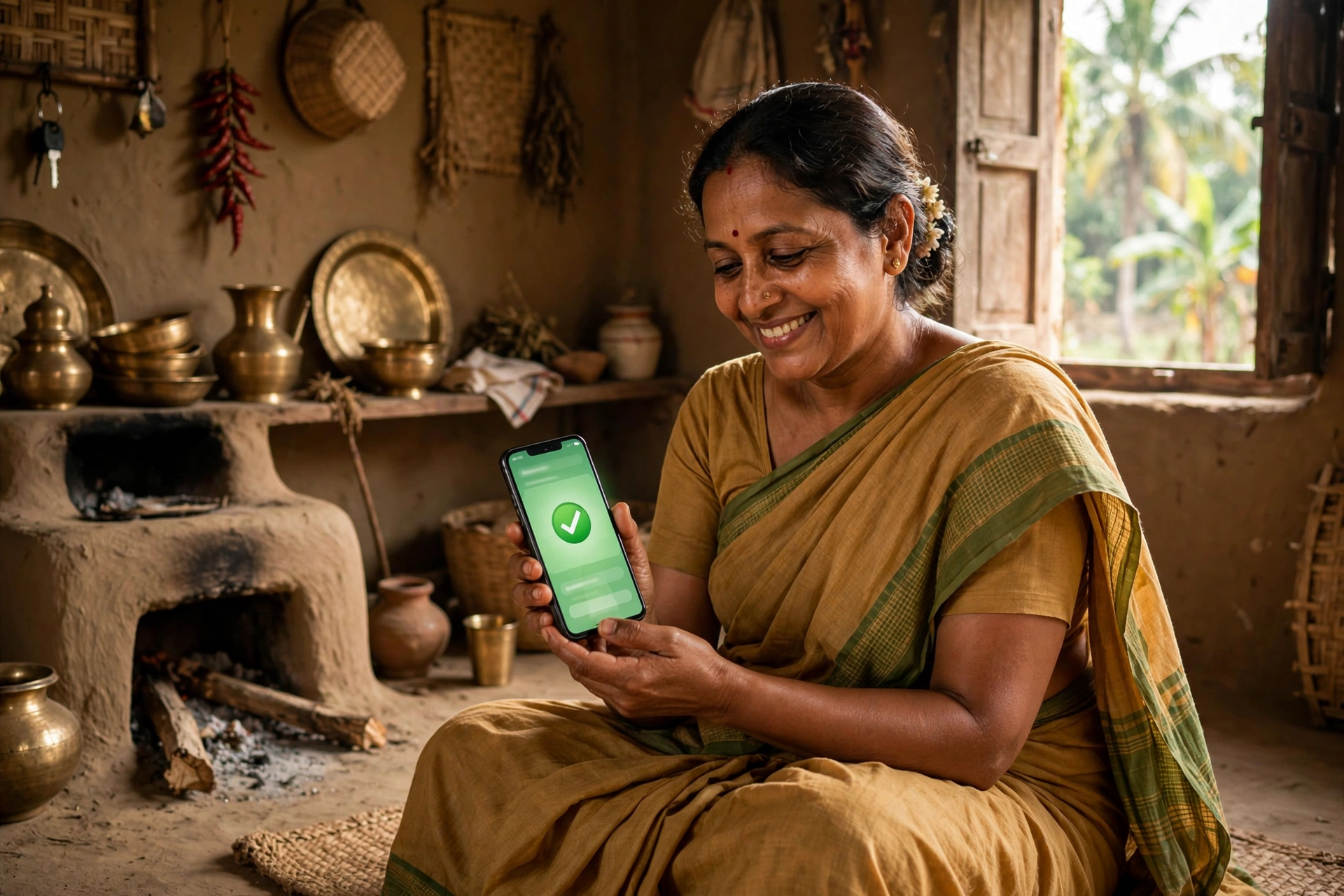
If you are a woman living in West Bengal and waiting for the monthly financial help from the government, this article is written for you. In the last few months, this scheme has gone through such a big change that thousands of women who still trust the old information are confused today — some do not know where their money is stuck, some do not know the new way to do a laxmi bhandar status check, and some do not even know that the name of the scheme itself has changed.
In this article, we will explain how the laxmi bhandar status check is done now, what the easiest way to see your status with a mobile number is, how to check it with an Aadhaar card, and what you should do if your name is not appearing in the list or the money is not reaching your account. At the end, you will also find answers to all your questions in the FAQ section. So let us understand everything, one step at a time.
Scheme at a Glance (Quick Facts)
| Detail | Information |
|---|---|
| Scheme name | Annapurna Bhandar (earlier Laxmi Bhandar) |
| State | West Bengal |
| Monthly assistance | Rs 3,000 (same for everyone) |
| Payment mode | DBT — directly into the Aadhaar-linked bank account |
| Eligible age | Women aged 25 to 60 years |
| Status check portal | socialsecurity.wb.gov.in/track-applicant |
| New citizen portal | socialregistry.wb.gov.in |
| Helpline | 033-23341563 |
From Laxmi Bhandar to Annapurna Bhandar — What Changed?
First, let us understand the biggest news, because this is where most of the confusion lies. After the 2026 assembly elections in West Bengal, the newly formed government upgraded the Laxmi Bhandar scheme for women and gave it a new name — Annapurna Bhandar. This change came into effect on 1 June 2026.
Under the old Laxmi Bhandar scheme, women from the general category received Rs 1,500 per month and SC/ST category women received Rs 1,700 per month. Now, under Annapurna Bhandar, all eligible women get a flat Rs 3,000 every month — no matter which category they belong to. In other words, the assistance has nearly doubled.
If you were already a Laxmi Bhandar beneficiary, there is no need to worry — your name is being transferred to the new scheme automatically. You do not need to apply again. Just make sure your bank account stays linked with Aadhaar and remains active, so that the DBT payment does not fail.
New applications had opened on 27 May 2026 and stayed open for 90 days. Applications were accepted on the official portal as well as at Duare Sarkar camps, Block Development Offices and municipality offices.
Laxmi Bhandar Status Check: 4 Easy Methods
Now let us come to the most important part. To check your application status and payment status, the government has given one official portal: socialsecurity.wb.gov.in. Open the “Track Applicant & View Payment Status” page on it — the direct link is socialsecurity.wb.gov.in/track-applicant.
You get 4 options to search your status — use whichever information you have with you.
Method 1: Laxmi Bhandar Status Check by Phone Number (Easiest)
If you still have the mobile number that you gave at the time of application, this is the fastest method:
- First, open the official website socialsecurity.wb.gov.in.
- On the homepage, click on the “Track Applicant Status” option.
- Under “Search Using”, select “Mobile Number”.
- Enter your registered mobile number and the captcha code shown on the screen.
- Press the “Search” button — your application status will appear on the screen.
Remember — enter the same mobile number that was written in the application form. If you enter a wrong or changed number, the record will not be found.
Method 2: Check Status with Aadhaar Card
- Go to socialsecurity.wb.gov.in and open “Track Applicant Status”.
- Under “Search Using”, select “Aadhaar Card Number”.
- Fill in your 12-digit Aadhaar number and the captcha code.
- Press “Search” — your status and payment history will be displayed.
Method 3: Using Your Application ID
When you applied, you received an acknowledgement slip with an application ID printed on it. On the portal, choose Application ID under “Search Using” and enter that number — your complete record will open.
Method 4: Using Your Swasthya Sathi Card
If your family has a Swasthya Sathi Card, you can also search your status with its number. This option is especially useful when your mobile number has changed or there is some issue with Aadhaar.
Note: If the page above does not open for some reason, you can also try the new social registry citizen portal socialregistry.wb.gov.in — there you log in with your registered mobile number and an OTP.
What Will You See on the Status Dashboard?
Once the search is complete, the dashboard that opens will show you this information:
- Your name, application ID and personal details
- Bank account information and Aadhaar linking status
- Current status of the application (approved / pending / rejected)
- Month-wise payment history — which instalment arrived and when
By looking at the payment history, you can yourself understand whether any month was missed, and what the reason for it could be.
Name Not Showing or Money Not Received? Do This
This is the part where most women get stuck. Below are the common problems and their solutions:
1. Getting “Record not found” — First check whether the mobile number or Aadhaar number you entered is correct. Often a single wrong digit is enough for the record to not appear. If your number has changed, search with your Application ID or Swasthya Sathi Card instead.
2. Money has stopped coming — The most common reason is the bank account’s Aadhaar link breaking, or the account becoming dormant. Visit your bank, confirm the Aadhaar seeding, and keep the account active. The account must be in the beneficiary woman’s own name.
3. Application shows rejected — Document errors during verification, being outside the age limit, or a duplicate application could be the cause. Visit the nearest BDO office (rural areas) or SDO/municipality office (urban areas), ask for the reason, and get it corrected.
4. You are an old beneficiary but your name is not in the new list — The migration work is happening in phases. Wait a little, and meanwhile keep your Aadhaar-bank link in order. If it takes too long, contact the helpline 033-23341563.
5. Unable to check online — Then there is an offline route too. In rural areas go to the Block Development Officer office, in urban areas to the Sub Divisional Officer office, or in Kolkata to the KMC office. Carry your acknowledgement slip, Aadhaar card and the bank passbook you gave at the time of application.
Who Is Eligible for This Scheme?
- Women who are permanent residents of West Bengal, aged 25 to 60 years
- Women who are not government employees, pensioners or income tax payers
- Women whose bank account is linked with Aadhaar and active
- Enrollment in the Swasthya Sathi scheme is required
Documents Required
- Aadhaar card
- Residence proof
- Bank passbook (Aadhaar-linked account)
- Swasthya Sathi card
- Passport-size photograph
- Mobile number
Contact and Helpline
For any problem related to status or payment, contact the Department of Women and Child Development and Social Welfare. Helpline: 033-23341563. Email: support.lakshmirbhandar-wb@nic.in. The department office is at Bikash Bhavan, Salt Lake City, Kolkata.
Frequently Asked Questions (FAQ)
1. Can the laxmi bhandar status check still be done in 2026?
Yes. Laxmi Bhandar has been renamed to Annapurna Bhandar, and old beneficiaries are being moved to the new scheme automatically. The same official page — socialsecurity.wb.gov.in — is used to check the status.
2. How much money is given under Annapurna Bhandar?
All eligible women receive Rs 3,000 every month directly in their bank account. SC, ST, OBC and general category — the amount is the same for everyone.
3. Do old beneficiaries need to apply again?
No. Verified beneficiaries are being migrated automatically. Just keep your bank account active and linked with Aadhaar. If there is any correction needed in your name or bank details, get it done at the local BDO/SDO office.
4. What information is needed for the status check?
Any one of these: registered mobile number, Aadhaar number, application ID, or Swasthya Sathi card number — along with the captcha code shown on the screen.
5. My mobile number has changed — how do I check my status?
Then search with your Aadhaar number, application ID or Swasthya Sathi card number. But it is better to get your new number updated for future SMS alerts — this is done at the BDO/SDO office.
6. On which date does the money arrive?
The target is to send the payment through DBT in the first week of the month. You can see your payment history on the status dashboard.
7. I applied at a Duare Sarkar camp — where do I check my status?
The status of such applications can also be checked at ds.wb.gov.in/Check_Application_Status.aspx, apart from the main portal socialsecurity.wb.gov.in.
8. If my application was rejected, can I apply again?
First find out the reason for rejection — it is often a missing document or an Aadhaar-bank link issue. After fixing the reason, ask about the re-application process at the nearest BDO/municipality office.
Note: GramSuvidha is a private information portal, not a government website. Please verify the information on the official portal socialsecurity.wb.gov.in before taking any final decision related to your application or status.

4 thoughts on “Laxmi Bhandar Status Check 2026: How to Check by Mobile Number”
Comments are closed.