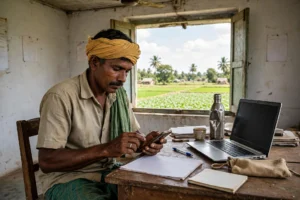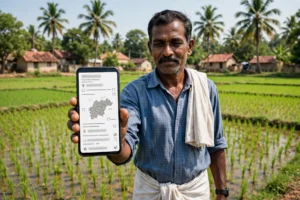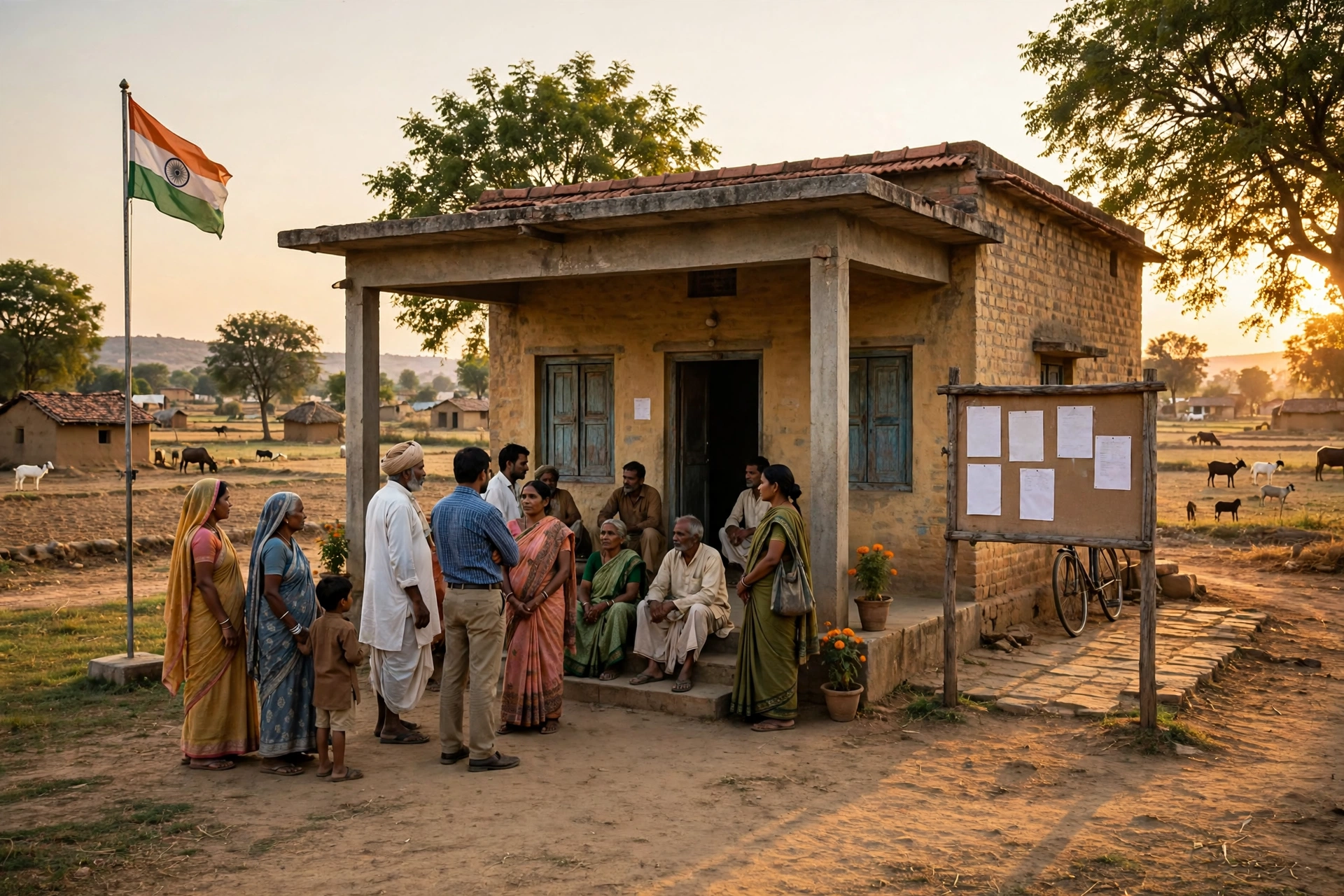
Every person living in a village has asked this question at least once: how much money did our panchayat receive from the government, where was that money spent, and how much was paid for the road, drain or school building constructed in our village? Earlier, finding answers to these questions meant repeated visits to the sarpanch or the panchayat secretary, and even then the correct information was not always available. Today, in Madhya Pradesh, all of this information can be seen on a mobile phone or computer within a few minutes.
In this article, we explain a government portal that puts the complete accounts of your gram panchayat in front of the public. You will learn what can be seen on this portal, how to check e-payment and salary status, how to find details of construction works in your village, and which two major changes were made to this portal in 2026 that very few people know about.
The article is written so that after reading it till the end, you will not need to visit any other website. First we give a brief introduction to the portal, then we explain the big July 2026 update, after that we describe step by step how to use each facility, and at the end we answer the common questions that come to everyone’s mind. So let us begin.
Panchayat Darpan MP 2026: At a Glance
| Detail | Information |
|---|---|
| Portal name | Panchayat Darpan MP |
| Department | Panchayat and Rural Development Department, Government of Madhya Pradesh |
| Launched | 1 May 2014, Bhopal |
| Launched by | Then Chief Secretary Antony Desa |
| Official portal | mppanchayatdarpan.gov.in |
| Mobile app | Panchayat DARPAN, DoPR, MP (available on Google Play Store) |
| Total gram panchayats in Madhya Pradesh | 23,011 |
| Big update of 2026 | Drishti online audit platform and payment gateway launched on 14 July 2026 |
| Usage charges | Completely free for citizens |
| Useful for | Rural citizens, sarpanches, panch members, secretaries, panchayat employees and researchers |
What is Panchayat Darpan MP?
Panchayat Darpan MP is an online portal of the Panchayat and Rural Development Department of the Government of Madhya Pradesh. Its purpose is very clear: to bring complete transparency to the working of gram panchayats. On this portal you can see how much money your panchayat received, on which works that money was spent, on which date the payment for a work was made, and who the public representatives of your village are. The portal has been developed by the National Informatics Centre (NIC), Madhya Pradesh.
The biggest strength of this portal is that it is not meant only for officers; it is made for the common public. You do not need to visit any office or ask anyone to get information. You simply select your district, janpad panchayat and gram panchayat and see the information related to that panchayat directly. This is why Madhya Pradesh became the first state to bring transparency and continuous audit of panchayat functioning online.
The information available on the portal includes the amount received by the panchayat, e-payment status, salary payment status of employees, details of construction works, lists of gram panchayats and villages, information about public representatives, self-tax collection and arrears payment details. The portal also carries circulars, orders, news and training-related information.
The Big July 2026 Update: Drishti Audit and Payment Gateway
On 14 July 2026, the Chief Minister of Madhya Pradesh, Dr. Mohan Yadav, launched two new facilities on the Panchayat Darpan portal during a meeting of the Council of Ministers at the Mantralaya in Bhopal. The first facility is the Drishti online audit platform and the second is a payment gateway. Both are considered major steps towards making panchayat administration more transparent, accountable and technology-driven.
Through the Drishti platform, auditors can now carry out the audit of panchayat income and expenditure online. Earlier, audits needed paper records and repeated office visits, but now auditors can view the income and expenditure records of panchayats remotely. The platform has been developed by the Directorate of Panchayat Raj under the guidance of the Accountant General and with technical support from the National Informatics Centre (NIC). This will make it easier to conduct timely audits of all 23,011 gram panchayats in the state.
The second facility, the payment gateway, brings direct relief to common citizens. Panchayats can now generate bills online and citizens can make digital payments for panchayat services from their homes. This facility has been developed jointly by the Directorate of Panchayat Raj, NIC, Madhya Pradesh Jal Nigam and Union Bank of India. It means that even small panchayat fees or service payments will no longer require a visit to the office.
What Can You See on Panchayat Darpan MP?
The portal offers many kinds of information for citizens. The list below will help you understand what you can get from this single portal.
- E-payment order status: Tracking of payments of gram panchayats, janpad panchayats and district panchayats. You can see how much was paid for which work and what its status is.
- Salary payment status: Information related to the salary payments of panchayat employees.
- Construction work details: Development works in a village can be viewed on a map, by scheme, or by the type and status of the work. Geo-tagged photographs of works are also available.
- Gram panchayat and village lists: Lists of all gram panchayats and villages in your district and janpad.
- Representatives’ information: Details of public representatives at the district, janpad and gram panchayat levels.
- Amount received by panchayats: Details of the funds received by your gram panchayat from the government.
- Self-tax collection and arrears payment: Details of self-tax collected by the panchayat and arrears payments.
- Employee information: Office-wise details of employees.
- Feedback form: A facility to send your opinion or suggestions through the portal.
How to Check E-Payment Status
If you want to know whether the payment for a work in your panchayat has been made or not, checking the e-payment status is very easy. Read the steps given below carefully.
- First, open the official portal mppanchayatdarpan.gov.in in the browser of your mobile phone or computer.
- On the home page you will find the option related to Panchayat Darpan e-payment. Click on it.
- Now select the name of your district, then the janpad panchayat, and after that the name of your gram panchayat.
- As soon as you select the panchayat, the list of payment orders related to it will appear before you.
- In the list you can see for which work a payment order of how much amount has been made and what its status is.
- If you need information about a specific payment, you can search for it by date or by the name of the work.
One thing to keep in mind is that the names of menus and the position of buttons on the portal can change slightly from time to time, because the department keeps improving the portal. If an option is not found directly, look carefully at the e-payment or payment tracking section given on the home page.
How to Check Salary Payment Status
For employees working in panchayats and their families, information about salary payments can also be seen on this portal. Follow the steps below to know whether the salary has been paid or not.
- Open the official portal mppanchayatdarpan.gov.in.
- Select the option related to salary payment.
- Choose your district, janpad panchayat and gram panchayat.
- After this, the details of salary payments related to that panchayat will appear on the screen.
- You can view the information by the relevant month or employee.
If salary-related information is not found on the portal or if any error is visible, first contact your panchayat secretary or the janpad panchayat office, because the salary record is prepared at the panchayat level itself.
How to See Details of Construction Works in Your Village
Finding information about a road, drain, school building or any other construction work in your village is also possible through this portal. This facility is very useful for citizens who want to know which works have been done in their village and how much was spent on them.
- Open the portal and select the option related to construction works or development works.
- Select your district, janpad panchayat and gram panchayat.
- Now you can view the works in three ways: on a map, by scheme, or by the type of work and its status.
- On clicking a particular work, its complete details will open, including the name of the work, its cost and its current status.
- Many works also carry geo-tagged photographs, through which you can see where the work actually is and in what condition.
If you feel that there is a difference between the work shown on the portal and the reality in the village, raise the matter in the gram sabha or submit it in writing at the panchayat office. The portal is a medium for showing information; a complaint is resolved only through the process of the panchayat and the department.
How to See Your Gram Panchayat and Representatives’ List
Many times people need to know the name of their village panchayat, which villages come under it, and who their public representatives are. This information is also easily available on the Panchayat Darpan MP portal.
- On the home page of the portal, select the option related to the gram panchayat or village list.
- Select your district and janpad panchayat.
- Now the list of all gram panchayats of that janpad will appear before you.
- On clicking a panchayat, you can see the villages under it and the information about its public representatives.
- In the representatives’ section, details of representatives at the district panchayat, janpad panchayat and gram panchayat levels are available.
How to Use the Panchayat Darpan Mobile App
For people who do not have a computer, the mobile app of this portal is very useful. The app is called Panchayat DARPAN, DoPR, MP and it is available free of cost on the Google Play Store. It has been developed by the National Informatics Centre (NIC), Madhya Pradesh.
After downloading the app, you can see the same information in it as on the portal. This includes e-payments, receipts, development works, public representatives, salary payments, bank statements, funds received by the panchayat and details of expenditure. With the help of the app, you can also see the bank passbook details of your village panchayat and the information about expenditure on works and other activities.
To use the app, simply do this: open the Google Play Store, search for Panchayat DARPAN, DoPR, MP, install the app, and then select your district, janpad and gram panchayat to view the information. The app is completely free and no payment is needed to view information in it.
Panchayat Darpan MP vs eGramSwaraj: What Is the Difference?
Many people wonder what the difference is between Panchayat Darpan MP and eGramSwaraj, because both are portals related to panchayats. The truth is that the work of both is different and both complement each other.
eGramSwaraj is the national portal of the Ministry of Panchayati Raj of the central government. It was launched by the Prime Minister on 24 April 2020. Its work is to prepare plans of panchayats, prepare budgets, maintain accounts, make online payments and monitor development plans. This portal is connected with the Public Financial Management System (PFMS), through which payments can be made directly to vendors and service providers.
In comparison, Panchayat Darpan MP is only the state-level portal of Madhya Pradesh, working since 2014. Its main work is to place the accounts of panchayat funds and works before the public. While eGramSwaraj is the internal working and payment system of panchayats, Panchayat Darpan MP is a window of transparency for the public. Similarly, the central government’s AuditOnline platform is for online audit of panchayat accounts, while Drishti provides the same facility at the level of Madhya Pradesh.
For a common citizen the meaning is clear: if you want to see the money and works of your panchayat, Panchayat Darpan MP is the right place for you. If you want to know about the national system of panchayat working, you can look at eGramSwaraj.
Information about other Madhya Pradesh portals may also be useful for you. If you are a farmer, you can check the status of Kisan Kalyan and girdawari through the SAARA Portal MP. For women of Madhya Pradesh, the latest information about the instalment of the Ladli Behna scheme is in our Ladli Behna Yojana 41st instalment article.
Frequently Asked Questions (FAQ) on Panchayat Darpan MP
1. What is Panchayat Darpan MP?
Panchayat Darpan MP is the official portal of the Panchayat and Rural Development Department of the Government of Madhya Pradesh. On it, information related to all 23,011 gram panchayats of the state can be seen, such as the funds received by the panchayat, expenditure, e-payments, construction works and details of public representatives. The portal was launched on 1 May 2014.
2. Can I see the complete expenditure of my panchayat on this portal?
Yes. On the portal you can see the amount received by the panchayat, the expenditure on it, the status of e-payment orders and the details of construction works. You can find the information of your panchayat by selecting the district, janpad panchayat and gram panchayat.
3. Is the Panchayat Darpan MP portal and app free to use?
Yes. For citizens, both the portal and the mobile app are completely free to use. No fee is charged for viewing information. The app can be downloaded free of cost from the Google Play Store.
4. What is the Drishti platform?
Drishti is the online audit platform of the Government of Madhya Pradesh, launched on the Panchayat Darpan portal by Chief Minister Dr. Mohan Yadav on 14 July 2026. Through it, auditors can audit the income and expenditure of panchayats online. It has been developed by the Directorate of Panchayat Raj under the guidance of the Accountant General and with the technical support of NIC.
5. How will the common citizen benefit from the payment gateway on Panchayat Darpan MP?
Through the payment gateway, panchayats can generate bills online and citizens can make digital payments for panchayat services from their homes. This will reduce visits to offices and the record of payments will also remain online. This facility has been developed together with NIC, Madhya Pradesh Jal Nigam and Union Bank of India.
6. Can a complaint also be registered on Panchayat Darpan MP?
A feedback form is available on the portal, through which you can send your opinion or suggestions. If your complaint is related to a particular work or payment, it is better to raise it in the gram sabha or submit it in writing to the panchayat secretary and the janpad panchayat office, because a complaint is resolved only through the departmental process.
7. What is the difference between Panchayat Darpan MP and eGramSwaraj?
Panchayat Darpan MP is the state-level transparency portal of Madhya Pradesh, which has been placing the accounts of panchayat funds and works before the public since 2014. eGramSwaraj is the national portal of the central government, launched on 24 April 2020, which handles the planning, budget, accounts and online payments of panchayats through PFMS. Both complement each other.
8. Can panchayat information be checked from a mobile phone?
Yes. The official mobile app named Panchayat DARPAN, DoPR, MP is available on the Google Play Store. It provides the same information as the portal, such as e-payments, development works, salary payments, bank statements and details of funds received by the panchayat.
Important Links
| Service | Link |
|---|---|
| Official Portal – Panchayat Darpan MP | mppanchayatdarpan.gov.in |
| Mobile App – Google Play Store | Panchayat DARPAN, DoPR, MP |
Disclaimer: GramSuvidha is a private information portal, not a government website. The information in this article is based on the official portal mppanchayatdarpan.gov.in and public news reports. Before taking any official action, please confirm the information from the concerned government portal or office.